UnSaveAll
Download
IPHONE · ANDROID · MAC · WINDOWS

Unsave all your Instagram posts
in one click.

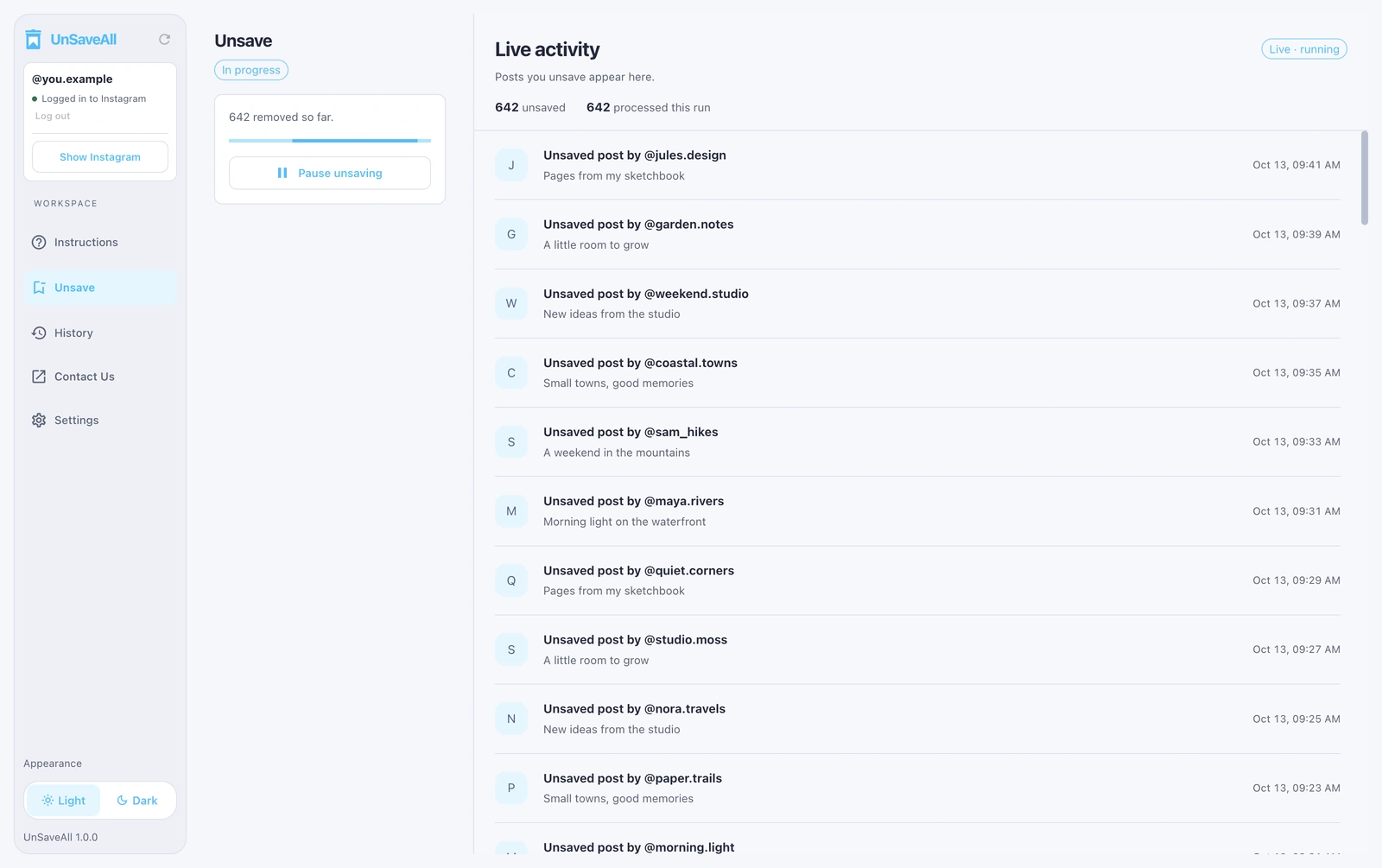
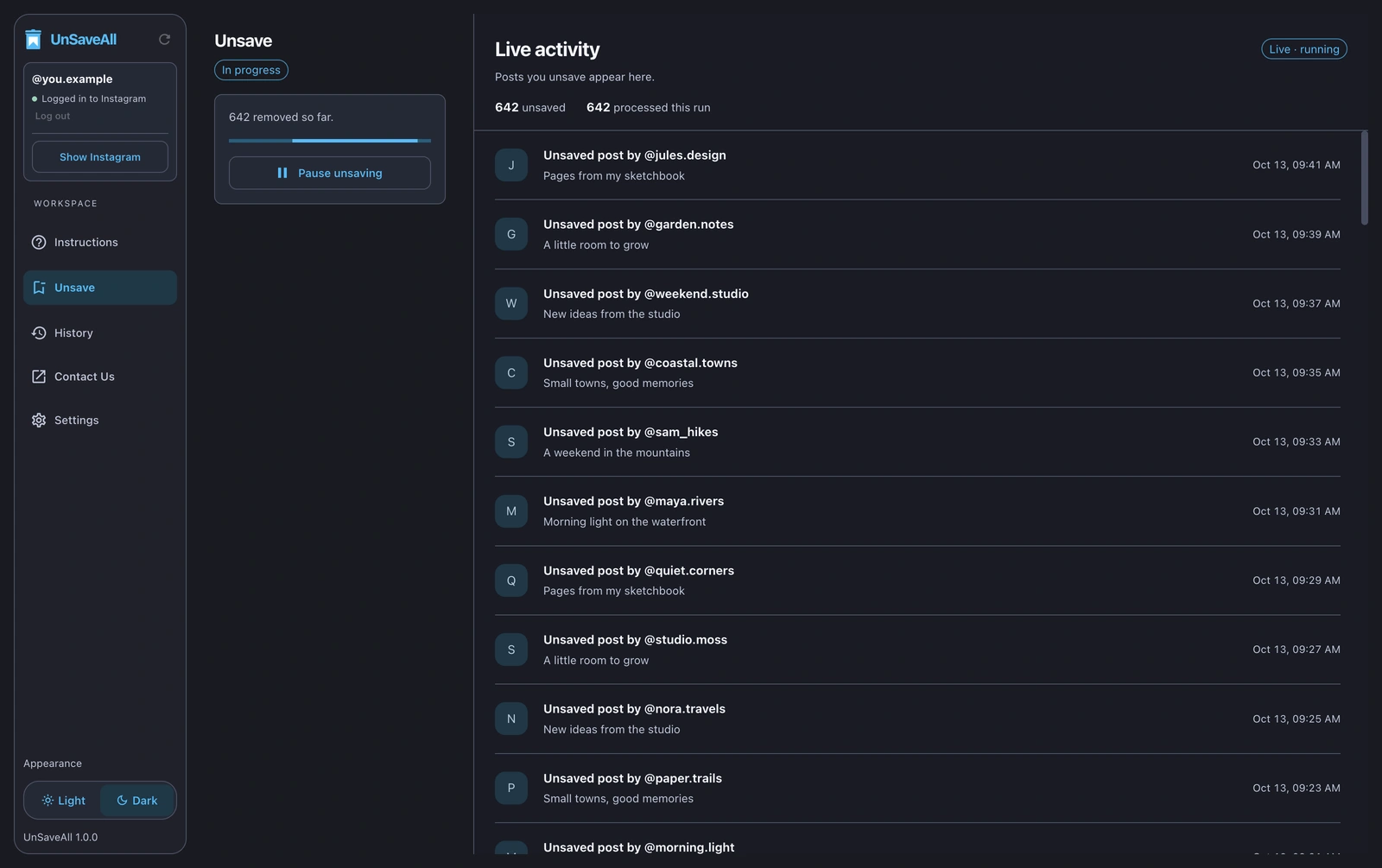
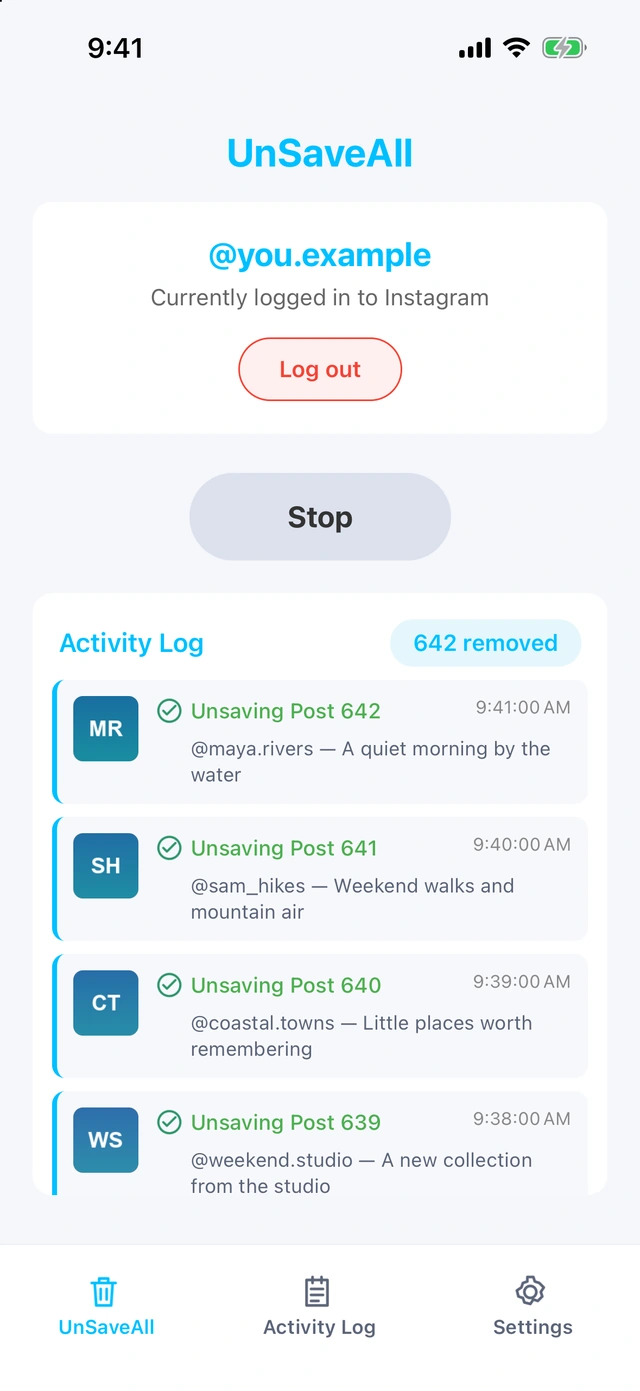
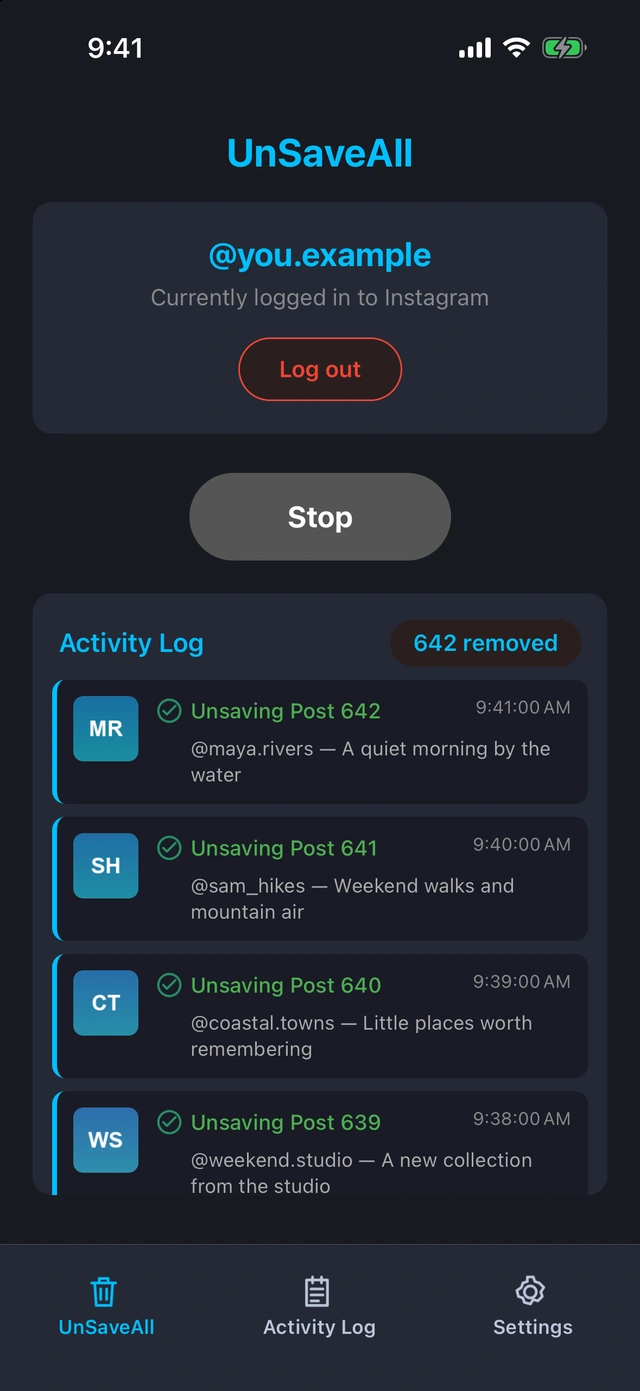
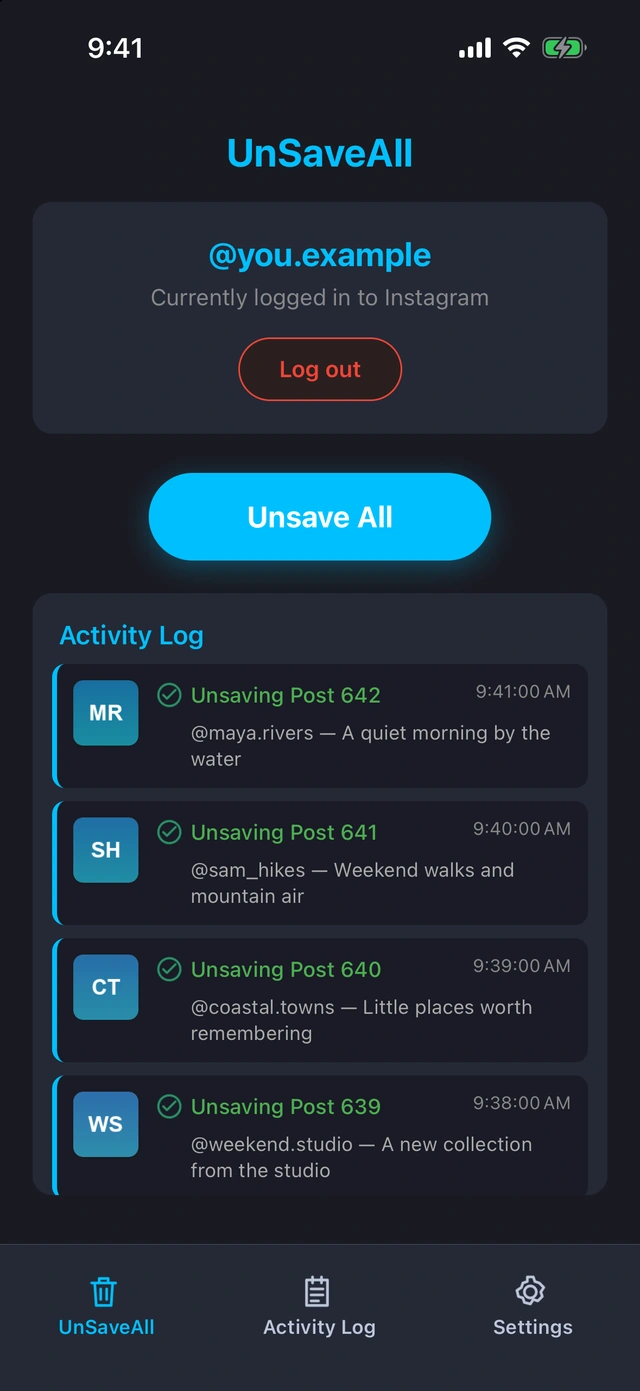
UnSaveAll is an Instagram unsaver for iPhone, Android, Mac, and Windows. With one click, it unsaves every saved post and reel, showing each one as it goes.

UnSaveAll Desktop unsaving Instagram postsUnSaveAll Desktop unsaving Instagram posts
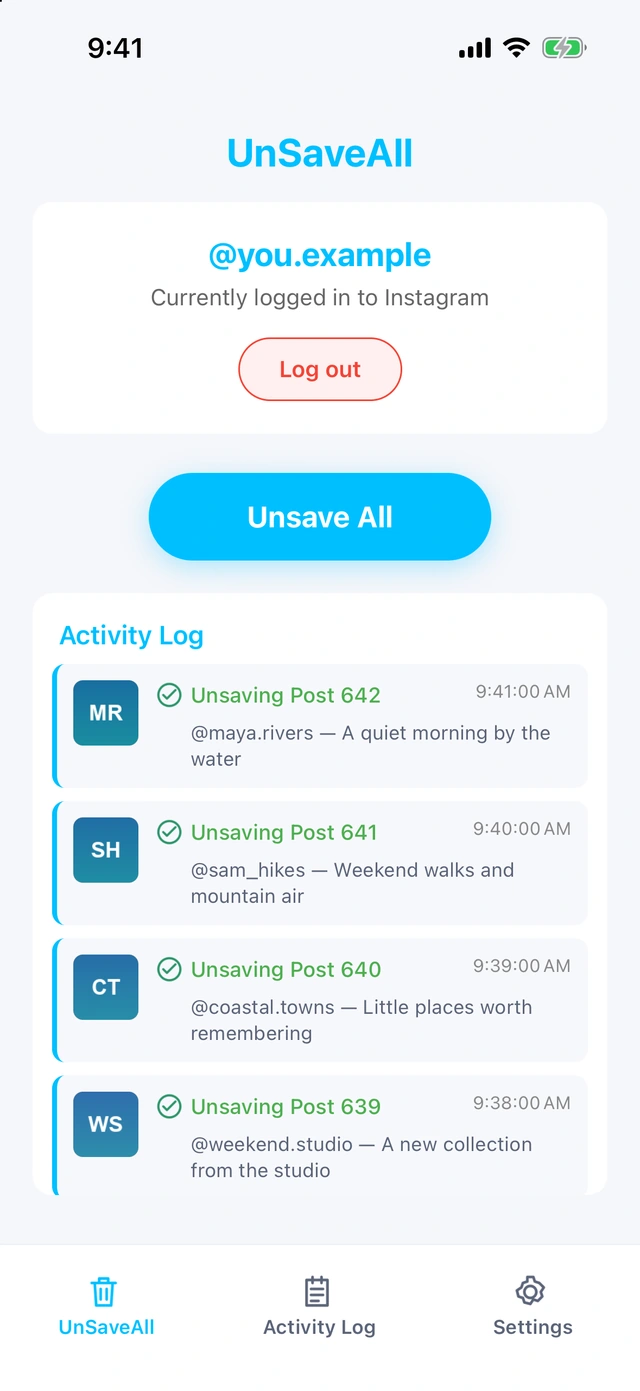
UnSaveAll on iPhone unsaving Instagram postsUnSaveAll on iPhone unsaving Instagram posts

UnSaveAll Desktop and iPhone · Example data

HOW IT WORKS

Clear your saved posts in three steps.

UnSaveAll ready to unsaveUnSaveAll ready to unsave
01

Click Unsave All

One click clears every saved post and reel.

UnSaveAll unsaving with a live countUnSaveAll unsaving with a live count
02

Watch it work

Follow the live count as each post is unsaved. Stop whenever you like.
UnSaveAll activity logUnSaveAll activity log
03

Review what was unsaved

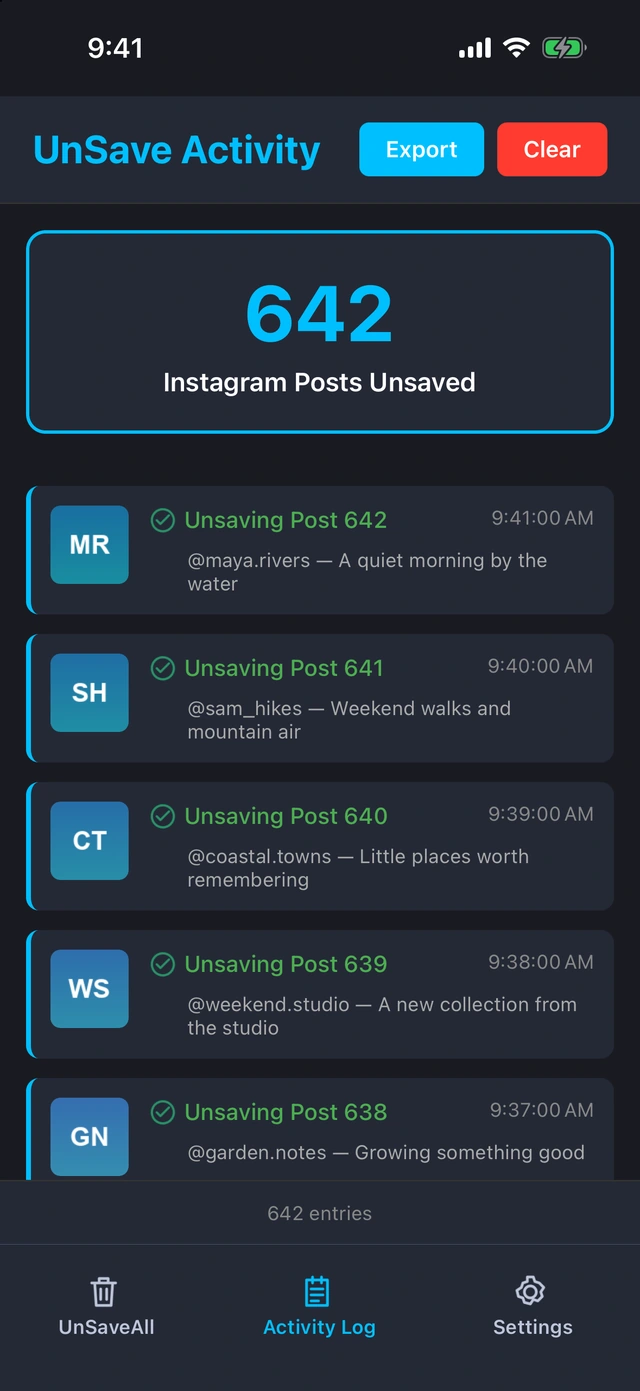
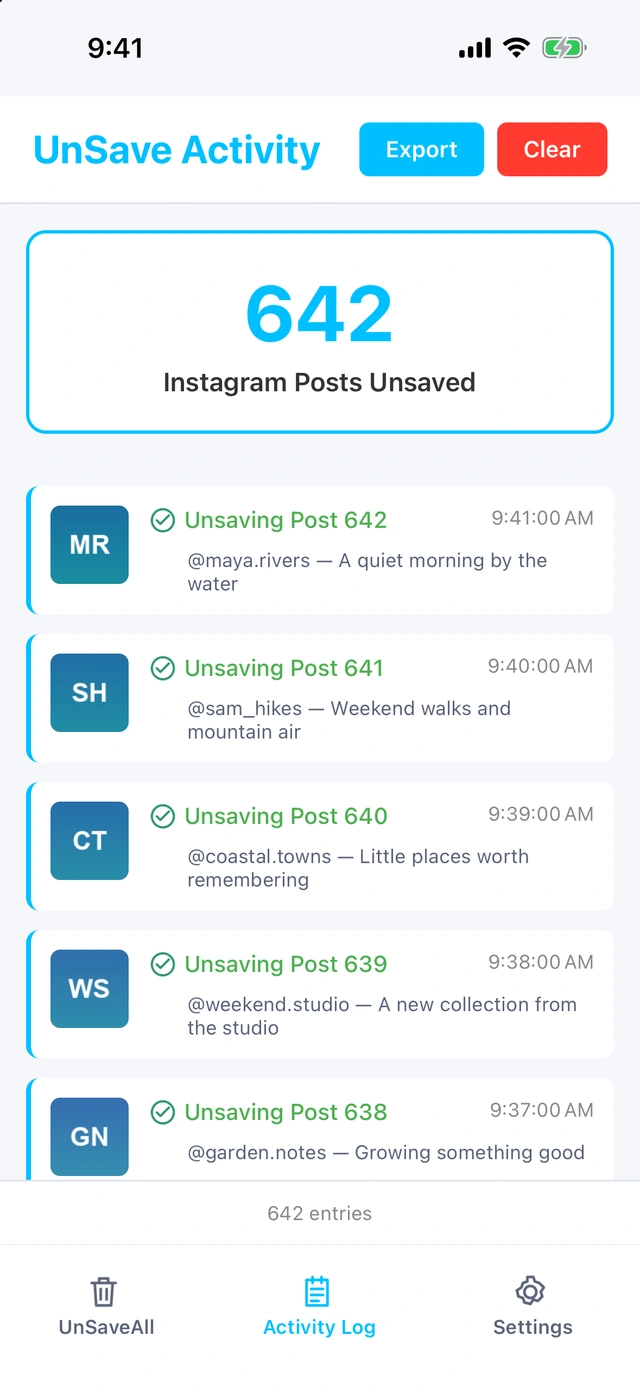
Every unsaved post is listed in your activity log, ready to export.

MOBILE & DESKTOP

Use UnSaveAll on your phone or your computer.

UnSaveAll on iPhoneUnSaveAll on iPhone
UnSaveAll on iPhone unsaving postsUnSaveAll on iPhone unsaving posts

UnSaveAll for iPhone & Android

Clear your saved posts from your phone.

  • Unsave all posts and reels in one click
  • Runs in the background
  • Live count and activity log
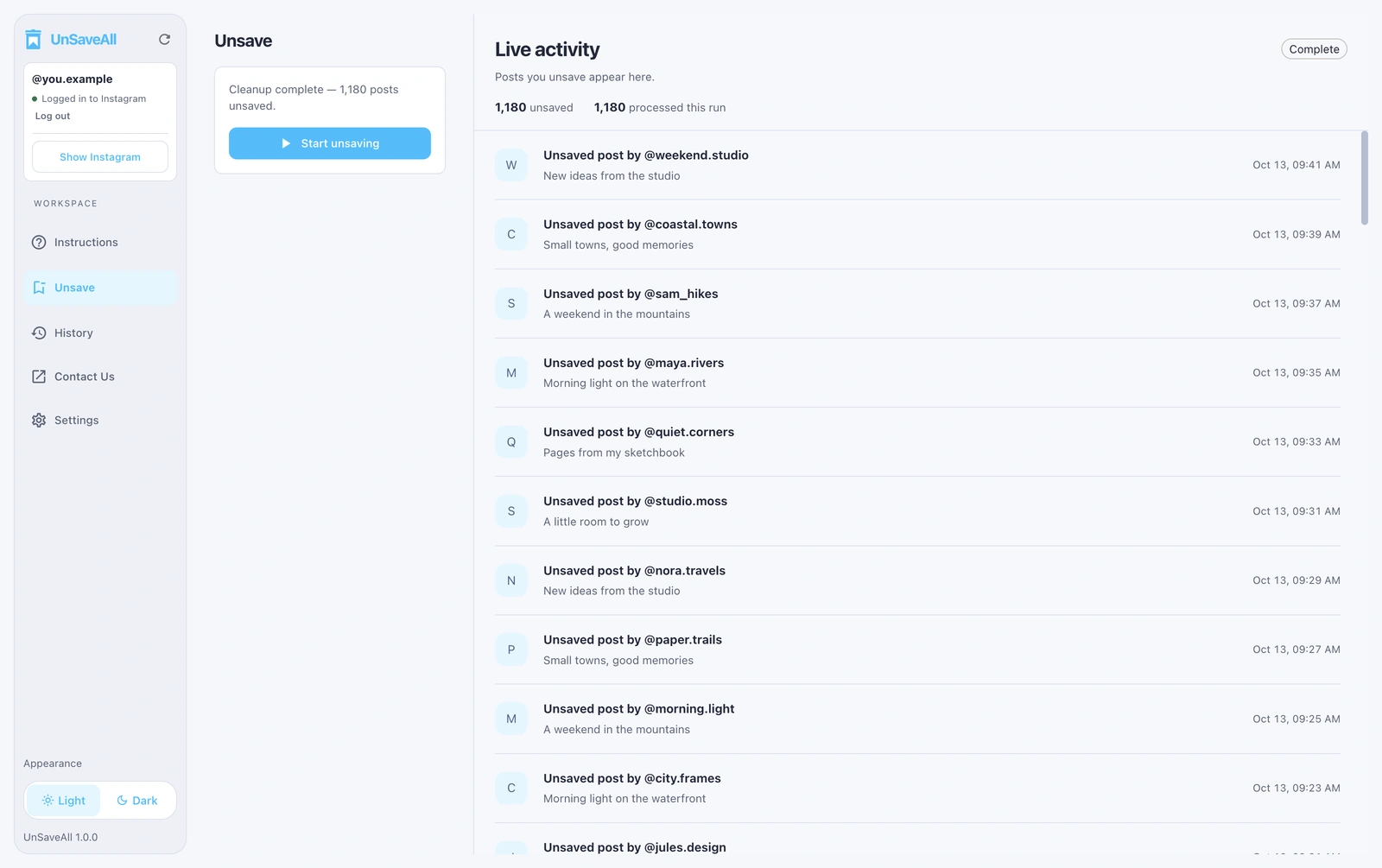
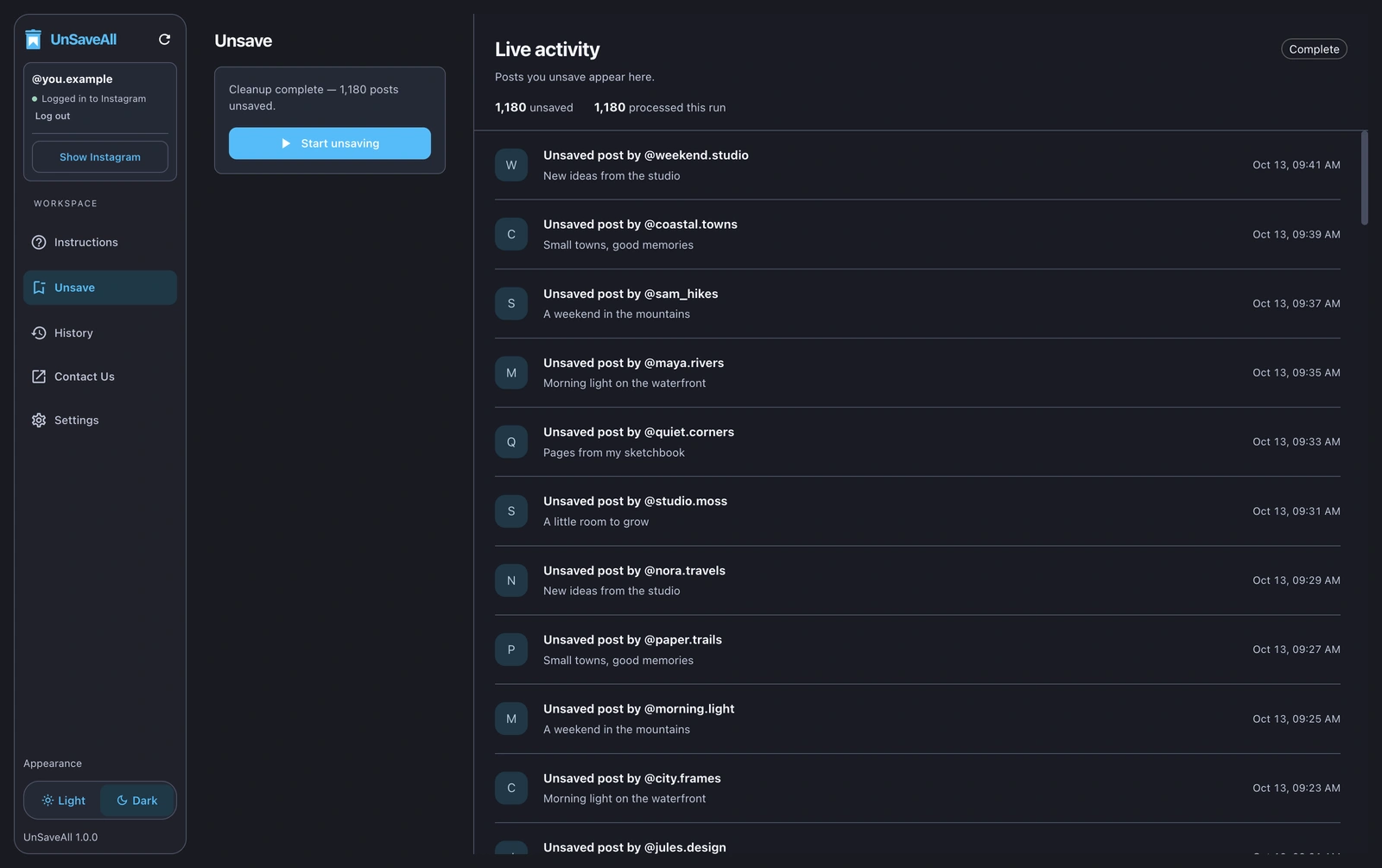
UnSaveAll Desktop after a finished runUnSaveAll Desktop after a finished run

UnSaveAll for Mac & Windows

Best for very large saved collections.

  • Unsave all posts and reels in one click
  • Runs in the background
  • Live count and activity log
ONE CLICK

Unsave everything
with one click.

Start once and UnSaveAll works through your whole Saved folder, showing each post as it’s unsaved. Stop whenever you like, on your phone or your computer.

UnSaveAll Desktop unsaving postsUnSaveAll Desktop unsaving posts
UnSaveAll on iPhone unsaving postsUnSaveAll on iPhone unsaving posts

Desktop and iPhone · Example data

POSTS, REELS & COLLECTIONS

Clear every saved
post and reel.

UnSaveAll unsaves posts and reels alike, and removes them from your collections too. Empty collections are easy to delete afterwards.
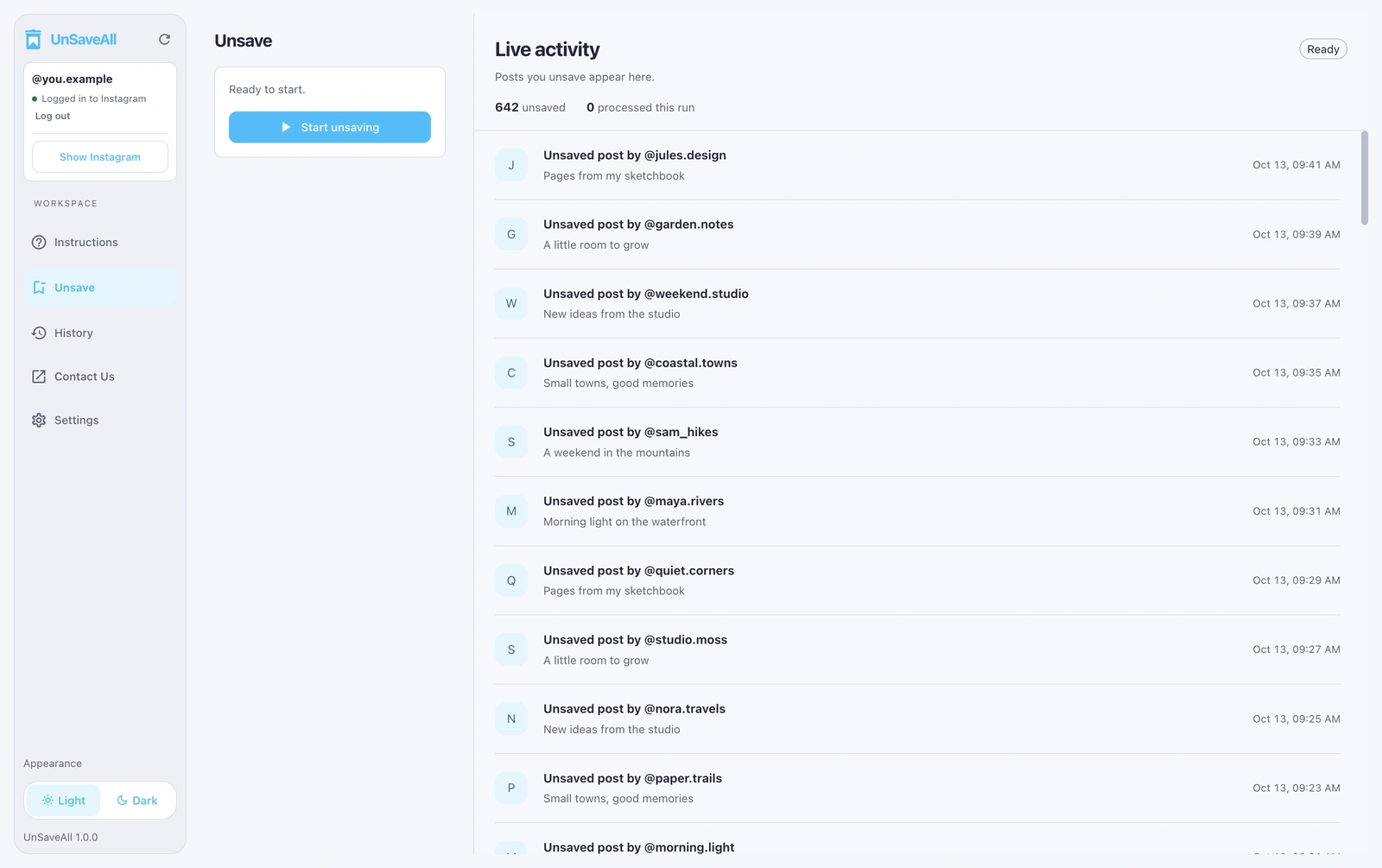
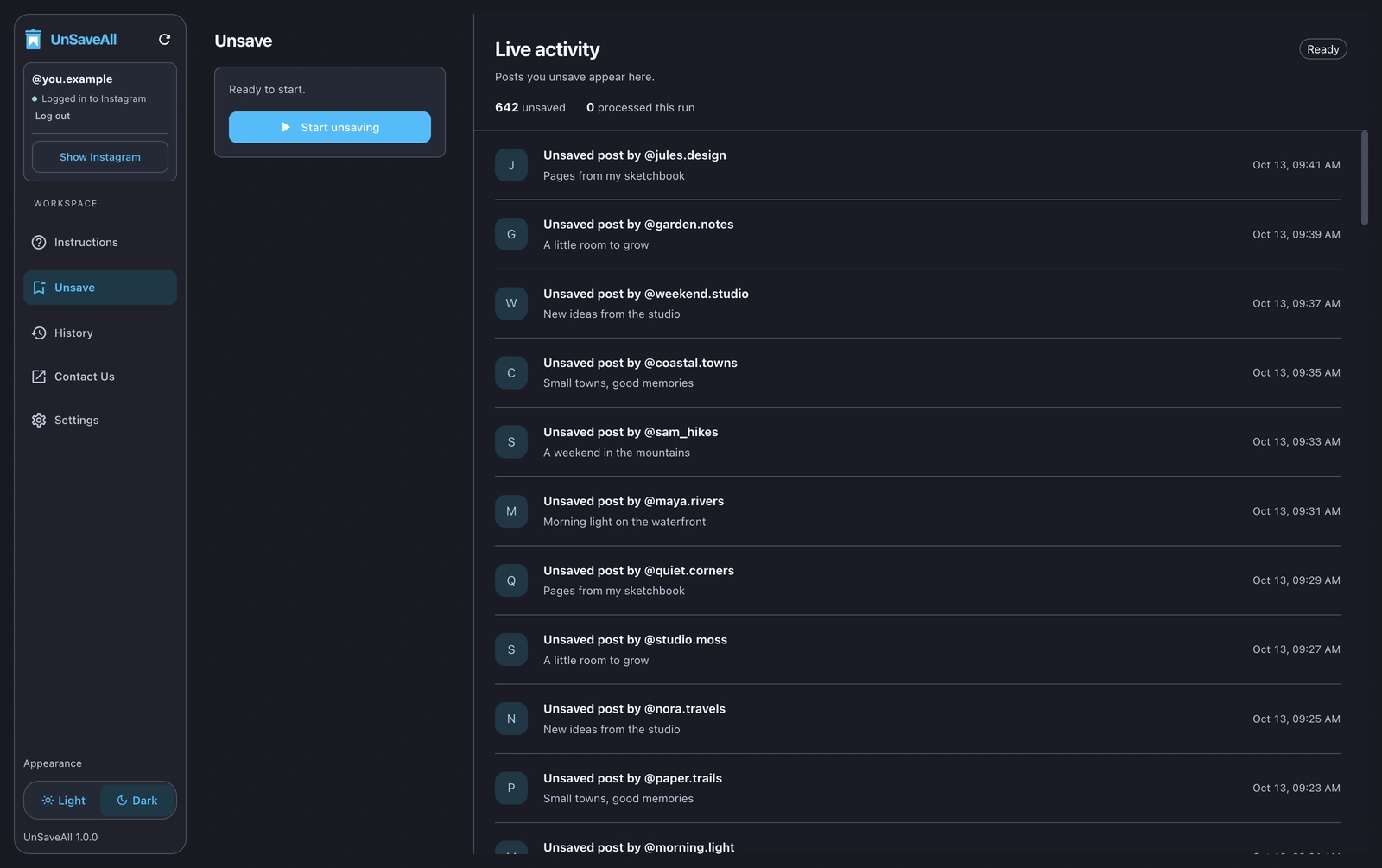
UnSaveAll Desktop ready to unsaveUnSaveAll Desktop ready to unsave
UnSaveAll on iPhone ready to unsaveUnSaveAll on iPhone ready to unsave

Desktop and iPhone · Example data

HISTORY

Review your
unsaved posts.

See every post UnSaveAll unsaved, with the account and caption. Export the list to keep a record.
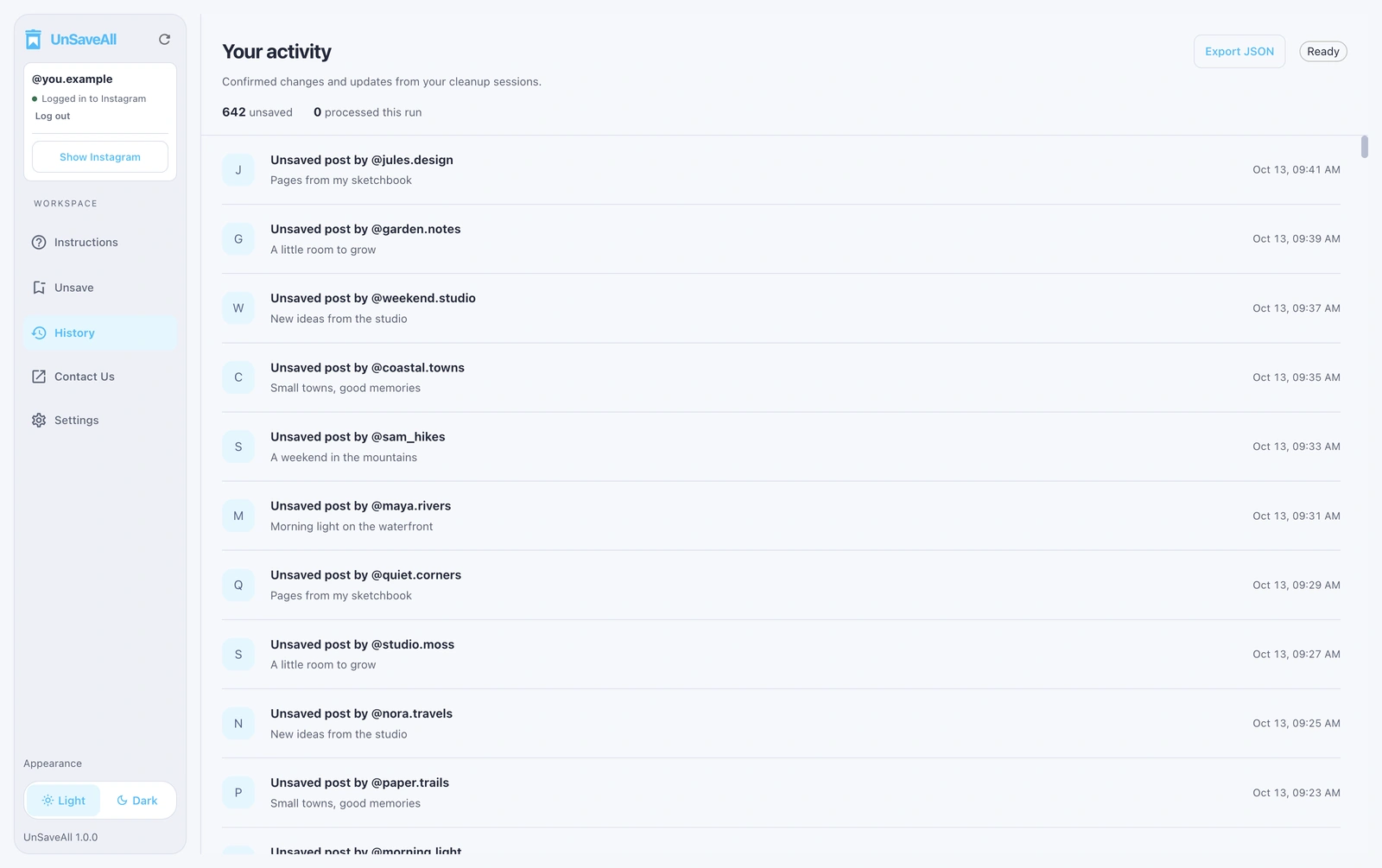
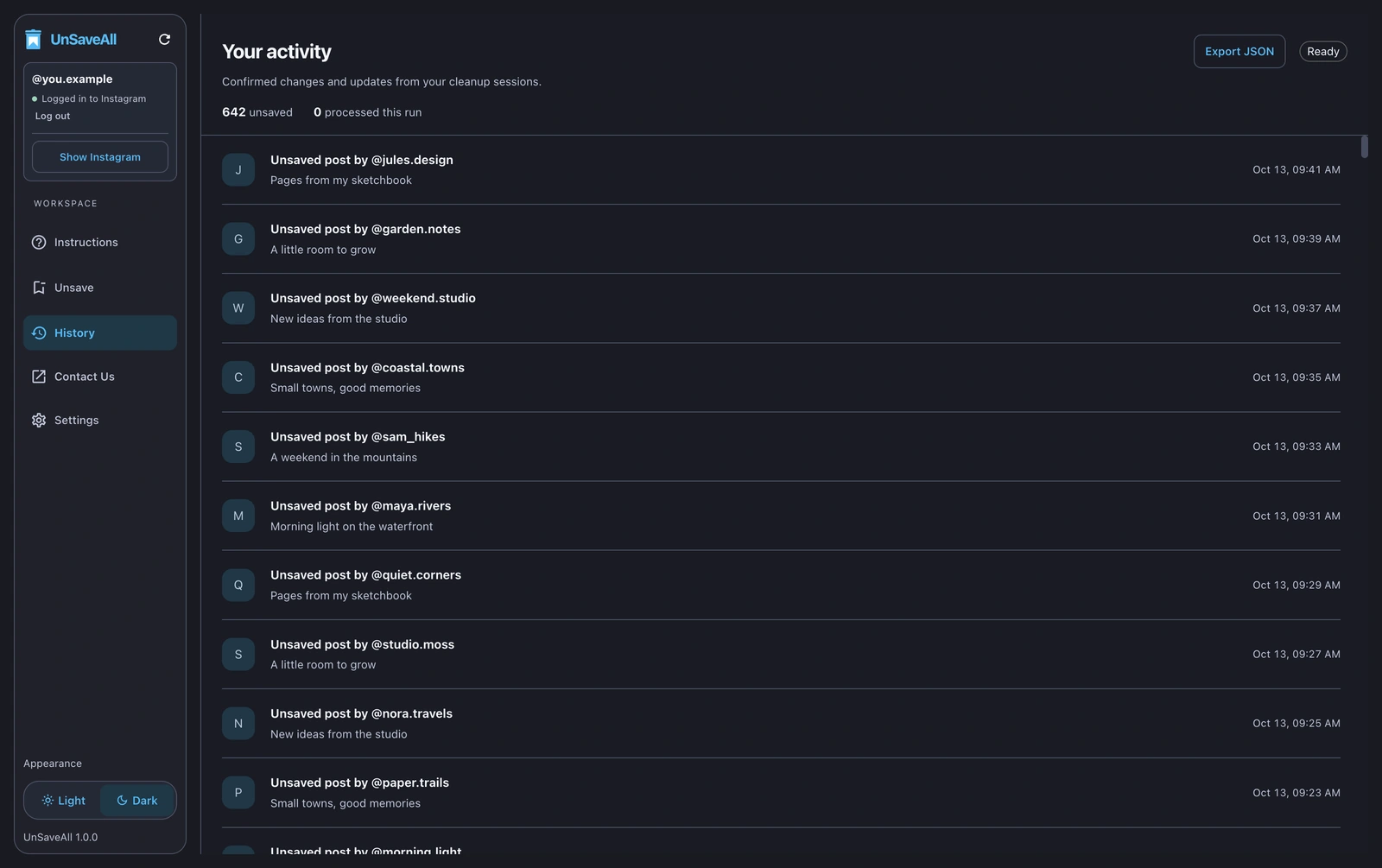
UnSaveAll Desktop activityUnSaveAll Desktop activity
UnSaveAll on iPhone activity logUnSaveAll on iPhone activity log

Activity on desktop and iPhone · Example data

GET UNSAVEALL

Everything you need to clear your saved posts.

UnSaveAll

Free to download on iPhone and Android.

Get UnSaveAll
  • Unsave all your posts in one click
  • Unsaves reels too
  • Clears your collections
  • Unlimited unsaves
  • Live progress as each post is unsaved
  • Runs in the background
  • Activity log with export
  • Use it across all your devices
DESKTOP

UnSaveAll Desktop

The desktop version is best for very large saved collections. Leave it running on your Mac or Windows PC while you work.

Monthly

$20/ month

Renews monthly · cancel anytime

Subscribe monthly
  • Unsave all your posts and reels in one click
  • Unlimited unsaves
  • Pause, resume, and pick up where you left off
  • Live activity and history you can export
  • Supports macOS and Windows

Your license key arrives by email after checkout.

GUIDES

Instagram saved posts guides

See all guides →

FAQ

Need help?

Contact support ↗
Read the full guide →
How do I unsave all posts on Instagram at once?

Instagram only lets you unsave one post at a time. UnSaveAll unsaves all of them for you with one click. Read the full guide.

Does it unsave reels too?

Yes. UnSaveAll unsaves everything in your saved posts, including reels.

What happens to my collections?

Unsaved posts are removed from your collections too. The empty collections stay, and you can delete them afterwards.

Does anyone know when I unsave?

No. Saving and unsaving are private, and Instagram doesn’t notify anyone.

How long does it take?

It depends on how many posts you’ve saved, because Instagram limits how fast you can unsave. UnSaveAll keeps going in the background while you use other apps.

Can I undo it?

There’s no bulk undo, but your activity log lists the account and caption of every unsaved post.

Is UnSaveAll free?

UnSaveAll is free to download on iPhone and Android. UnSaveAll Desktop for Mac and Windows is $20 a month.

Is UnSaveAll made by Instagram?

No. UnSaveAll is made by Yerbapps and isn’t affiliated with or endorsed by Instagram or Meta.