 UnSaveAll
No, people can’t see what you save on Instagram. Your saved posts, reels, and videos are private to you. Below is the full picture: what your followers see, what the creator of a post sees, the one feature that does share saves, and how saves compare with likes.
In this guide
- The short answer
- Can your followers see your saved posts?
- Does Instagram notify someone when you save their post?
- What the creator of a post can see
- Saved reels and saved videos
- The exception: shared collections
- Saves vs reposts
- Can you save someone’s Story?
- What Instagram does with your saves
- Saves vs likes: which is more private?
- What happens if the creator deletes the post?
- Saving posts from private accounts
- How to clear your saved posts
- FAQ
Quick answer: Nobody can see what you save on Instagram.
- Your Saved folder never appears on your profile.
- Saving or unsaving a post sends no notification.
- Creators only see a total number of saves, never names.
- The only exception is a collection you choose to share with someone.
The short answer
Saving a post on Instagram is like bookmarking it. When you tap the bookmark icon under a post or reel, it goes into your Saved folder, and that folder is visible only to you. That has been true since Instagram added saving in 2016, and it is still how saving works today.
So if you are wondering whether a friend, an ex, or the person who posted something can see that you saved it: they can’t. The rest of this guide covers the details, including the places where people do get a little information.
Can your followers see your saved posts?
No. Your followers can see your posts, your reels, your tagged photos, and your highlights. Your Saved folder is not part of your profile. There is no tab, link, or setting that lets anyone else browse it, whether your account is public or private.
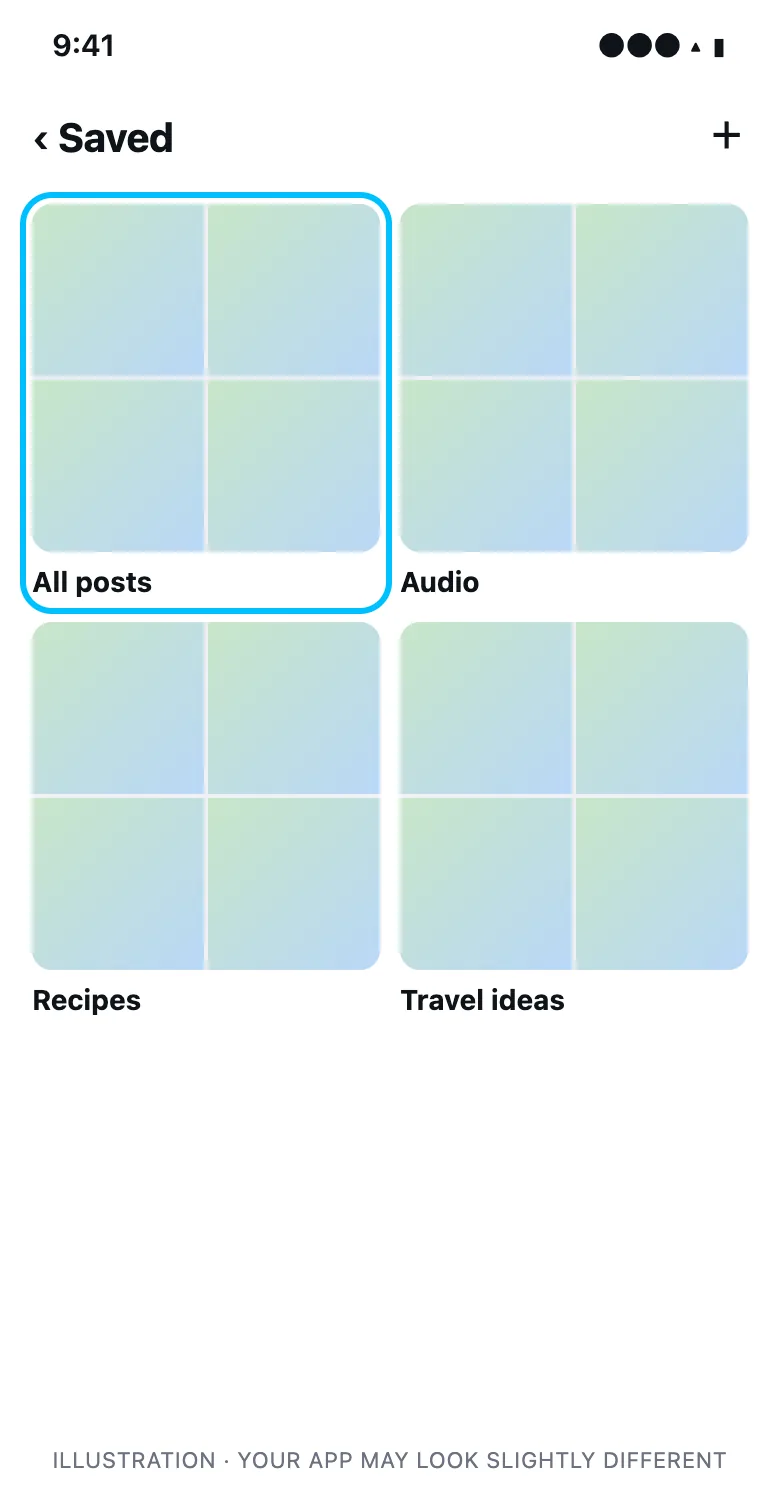
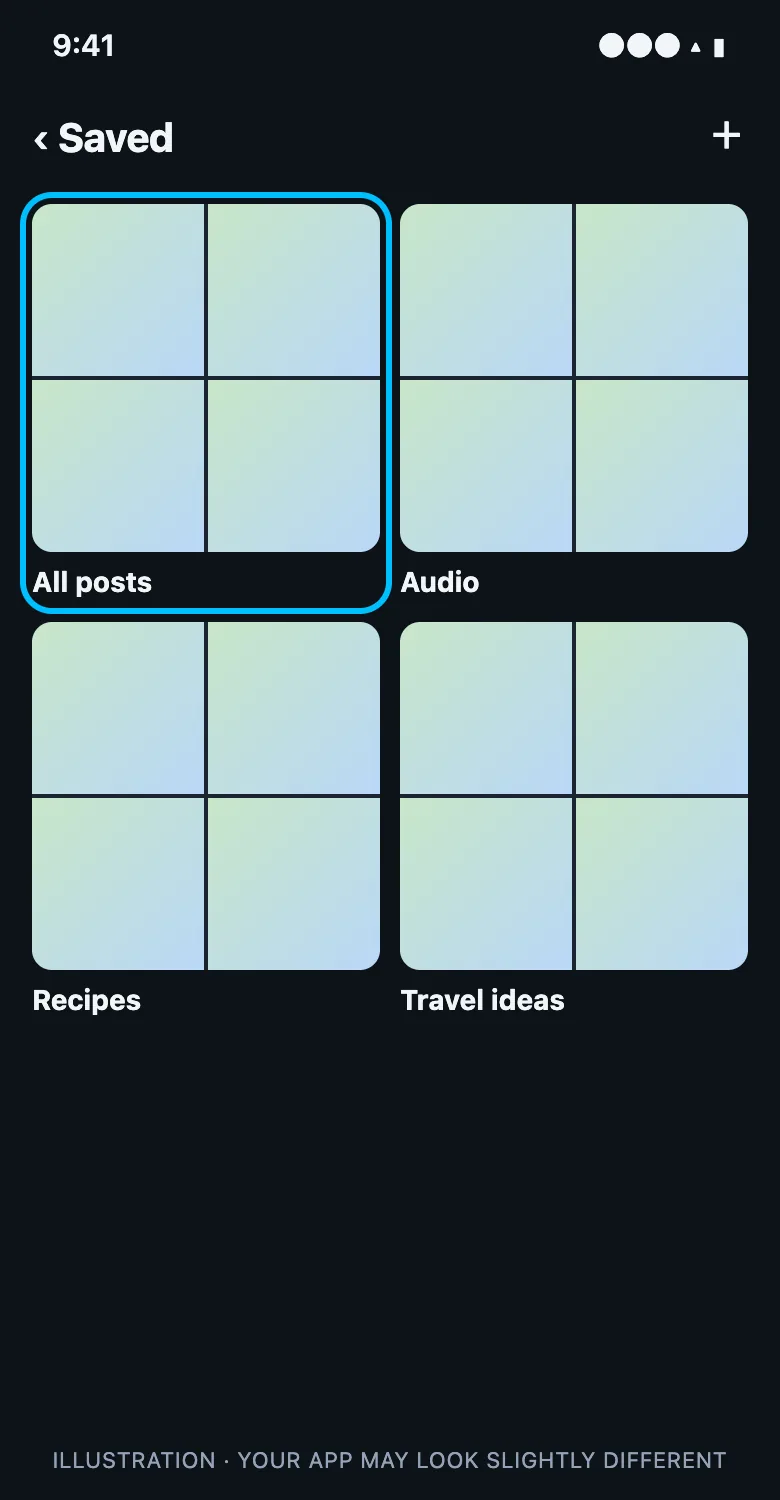
You open Saved from your own profile menu. When someone else visits your profile, the menu they see doesn’t include it.
Does Instagram notify someone when you save their post?
No. Instagram sends notifications for likes, comments, follows, mentions, and shares to a Story, but not for saves. Saving a post is silent. Unsaving it later is silent too, so nobody finds out if you clear your saved posts.
| Action | Does the other person get notified? |
|---|---|
| Like a post | Yes |
| Comment on a post | Yes |
| Share a post to your Story | Yes, if you mention them |
| Save a post | No |
| Unsave a post | No |
| Add a post to a collection | No |
What the creator of a post can see
Creators and business accounts can open insights on their posts and reels. Insights include a Saves count. That count tells them how many accounts saved the post. It doesn’t say which accounts.
| The creator can see | The creator can’t see |
|---|---|
| How many people saved a post | Who saved it |
| Whether saves went up or down | When you personally saved it |
| Saves across their posts over time | Anything else in your Saved folder |
| That a save count dropped after unsaves | Who unsaved |
For the full breakdown of what insights show, see can you see who saved your Instagram post.
Saved reels and saved videos
Reels and videos work exactly like photo posts. When you save a reel, it goes to the same Saved folder, under All posts and any collection you picked. Nobody can see your saved reels or saved videos, and the creator only sees a save count in their reel insights.
Saved audio is also private. If you save a sound from a reel, it lives in the Audio section of your Saved folder, and the person who made the sound isn’t told.
The exception: shared collections
Instagram lets you turn a collection into a shared collection and invite people you message with. Everyone you invite can see the posts in that collection and add their own. This is the only way anyone else can see something you saved.
- Only the collections you share are visible. All your other saved posts stay private.
- People you didn’t invite can’t see a shared collection.
- You can leave or delete a shared collection at any time, and it stops being visible to you.
If you are not sure whether you have one, open Saved and look for a collection with profile pictures on its cover. Those are shared.
Saves vs reposts
Instagram now has a Repost button on posts and reels, next to share. Reposts are public. They show in a Reposts tab on your profile, your followers can see them in their feeds, and the creator is notified. Saves are the private option.
| Save | Repost | |
|---|---|---|
| Visible on your profile | No | Yes, in the Reposts tab |
| Followers can see it | No | Yes |
| Creator is notified | No | Yes |
| Undo it | Tap the bookmark again | Tap repost again |
If you meant to save something and reposted it instead, tap the repost icon again to remove it.
Can you save someone’s Story?
Not to your Saved folder. The bookmark only appears on posts and reels. Stories from other people can’t be saved there, and taking a screenshot of a Story doesn’t notify the person. If a Story shares a post, you can open the post and save that.
What Instagram does with your saves
Your saves are private from other people, but Instagram itself uses them. Saving a post tells Instagram you found it valuable, so you’ll see more posts like it in your feed and Explore. Clearing out old saves is one way to reset what Instagram thinks you’re interested in.
Your saves also appear in your own data download. Go to Accounts Center → Your information and permissions → Download your information, and the file includes a list of your saved posts. Nobody else can request it.
Saves vs likes: which is more private?
Saves are more private than likes. Your likes are visible to the person who posted and, on posts with visible like counts, other people can tap the count and see your name in the list. Saves have no list at all.
| Like | Save | |
|---|---|---|
| Creator is notified | Yes | No |
| Your name appears on the post | Yes, in the likes list | No |
| Creator sees a count | Yes | Yes, in insights |
| Shows on your profile | No | No |
That privacy is why many people use saves as a quiet way to bookmark things, and why Saved folders grow into the thousands.
What happens if the creator deletes the post?
If the creator deletes the post, or archives it, it disappears from your Saved folder. Instagram doesn’t tell you, and it doesn’t tell them who had saved it. If the account goes private and you don’t follow it, the post usually disappears from your Saved folder until you follow the account.
Saving posts from private accounts
You can save posts from private accounts you follow. The owner of the private account still can’t see that you saved it. If they remove you as a follower, those posts stop showing in your Saved folder.
How to clear your saved posts
Even though nobody can see them, saved posts pile up. Instagram only lets you unsave them one at a time. Here is how to unsave all your posts at once, or use UnSaveAll to clear every saved post and reel in one tap. Nobody is notified when you do.
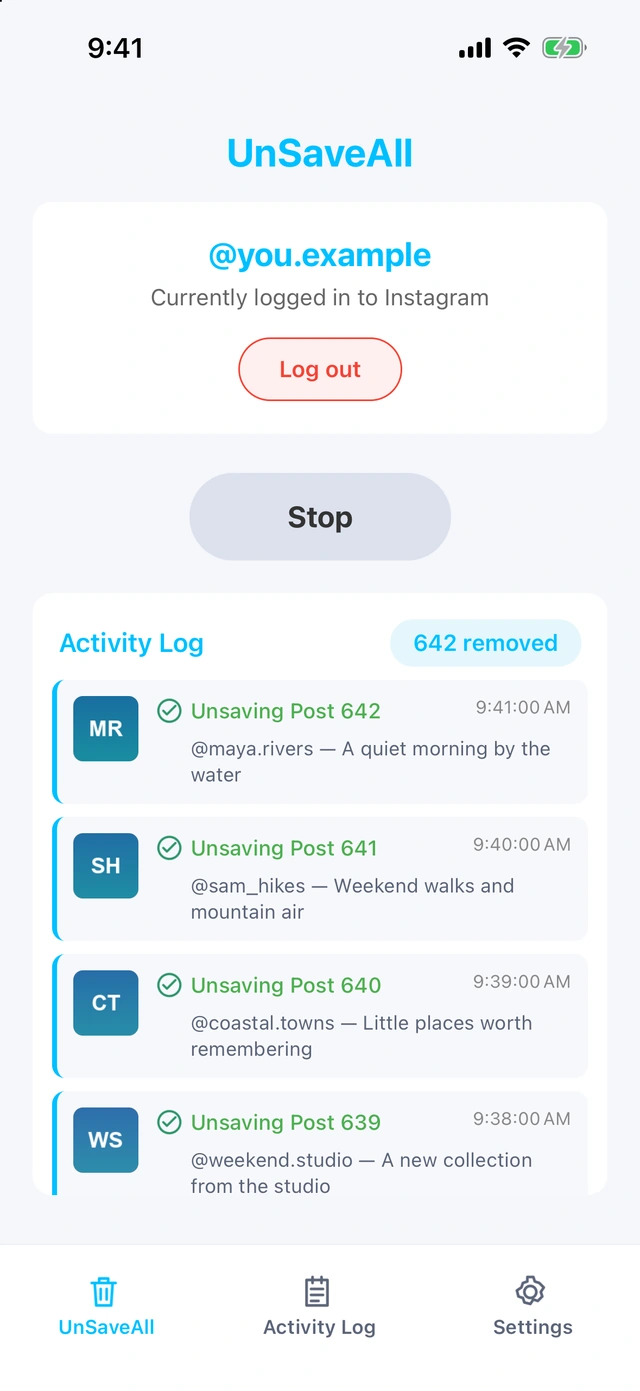
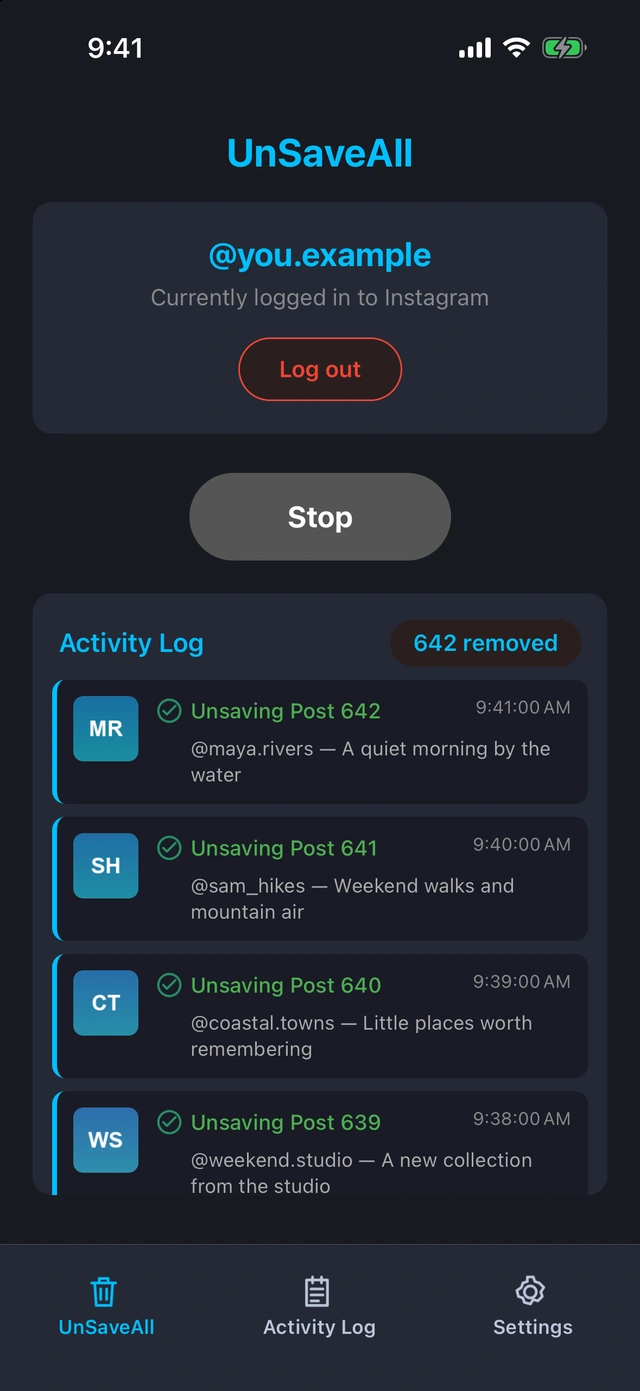
Unsave all your Instagram posts with UnSaveAll
Clear every saved post and reel with one click. On iPhone, Android, Mac, and Windows.


Frequently asked questions
Can people see what I save on Instagram?
No. Your saved posts, reels, and videos are only visible to you.
Can my followers see my saved posts?
No. Saved posts are not part of your profile and followers can’t browse them.
Can someone see if I saved their Instagram post?
No. Creators see a total save count in insights, but not who saved it.
Does Instagram notify when you save a post?
No. Saving and unsaving posts never sends a notification.
Can people see my saved reels or videos?
No. Saved reels and videos are private, just like saved photo posts.
Are saved posts on Instagram private?
Yes, unless you add someone to a shared collection. Only that collection is visible to them.
Does Instagram tell people when I unsave their post?
No. The save count may drop by one, but nobody is told who unsaved.
Is there a limit to how many posts I can save?
Instagram doesn’t publish a limit, and many people have thousands of saved posts.
Is reposting the same as saving on Instagram?
No. Reposts are public and show on your profile. Saves are private.
Can I save someone’s Instagram Story?
Not to Saved. Only posts and reels can be saved.