 UnSaveAll
Your saved posts live in one place on Instagram, but it’s tucked inside your profile menu. Here’s how to find saved posts, reels, videos, and audio on iPhone, Android, and a computer, plus what to do if they don’t show up.
In this guide
- Find saved posts on iPhone and Android
- Find saved posts on a computer
- Find saved reels and videos
- Find saved audio
- Collections and All posts
- What order are saved posts in?
- Saved posts missing or not loading
- Get a list of all your saved posts
- Find saved posts from one account
- How many posts can you save?
- Keep your Saved folder organized
- FAQ
Quick answer: Profile → menu (☰) → Saved. Everything you’ve saved is under All posts, and your reels are mixed in with your posts.
Find saved posts on iPhone and Android
Step 1 Go to your profile
Tap your profile picture in the bottom right.
Step 2 Open the menu
Tap the three lines (☰) in the top right.
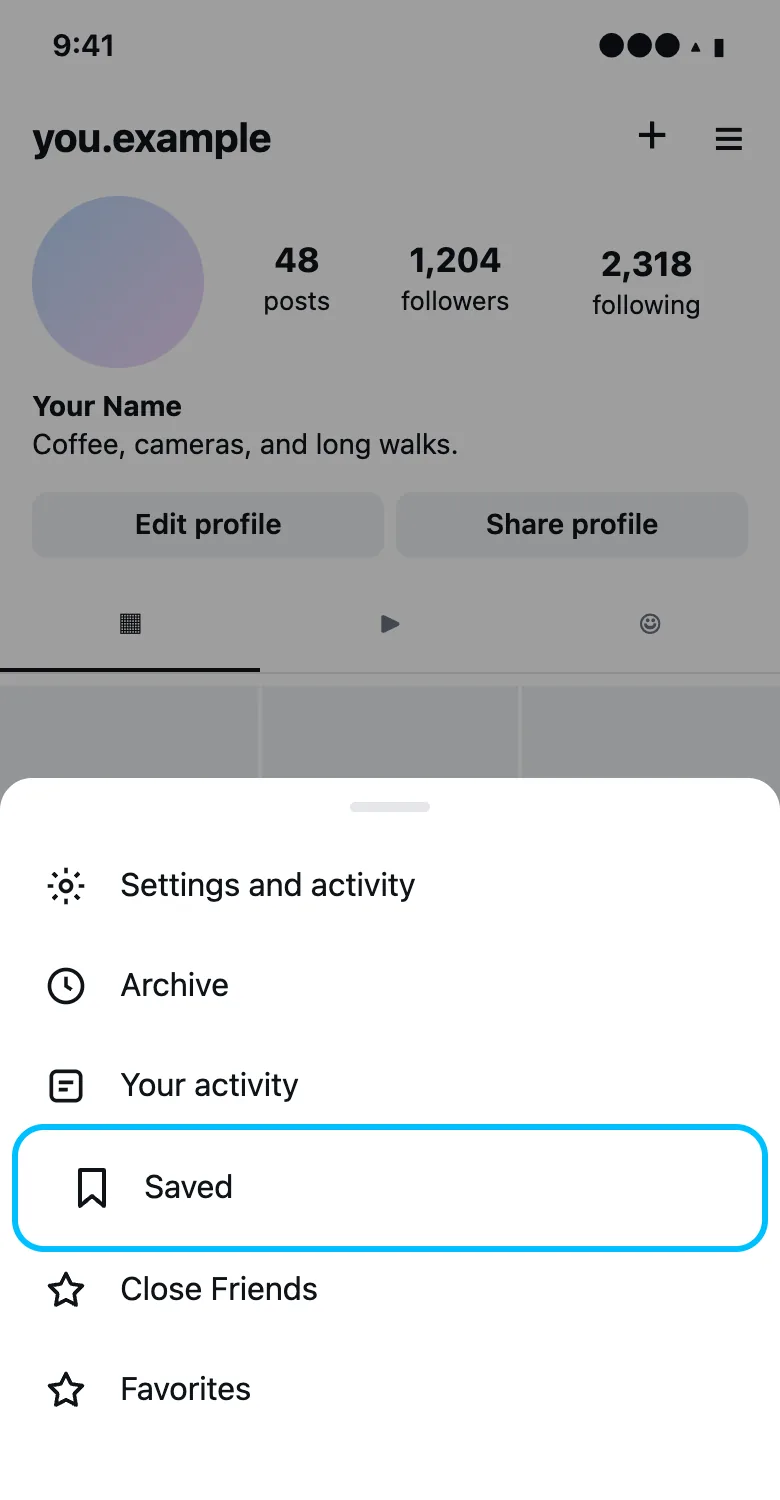
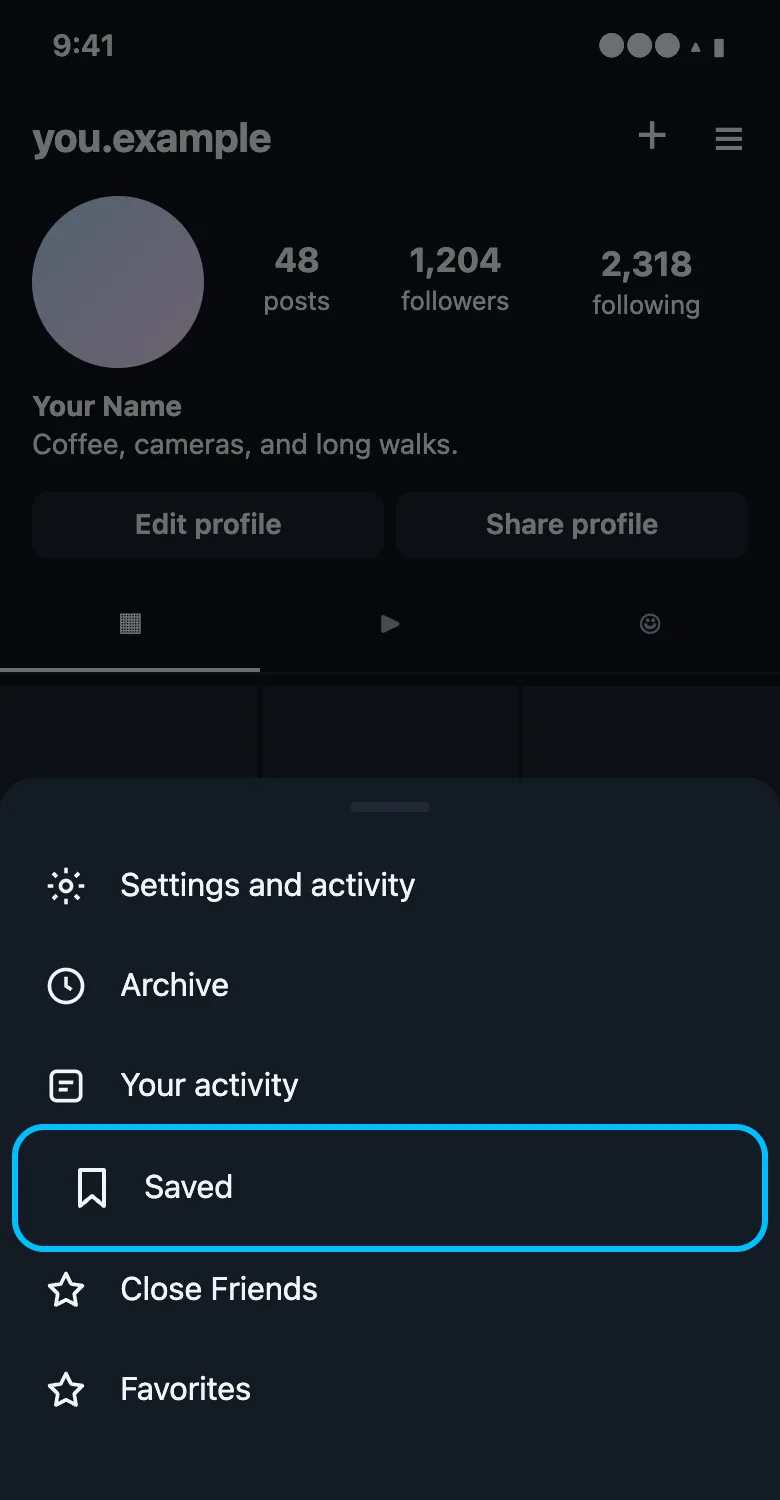
Step 3 Tap Saved
Saved is near the top of the menu. You’ll see All posts first, then any collections you created, and Audio if you’ve saved sounds.
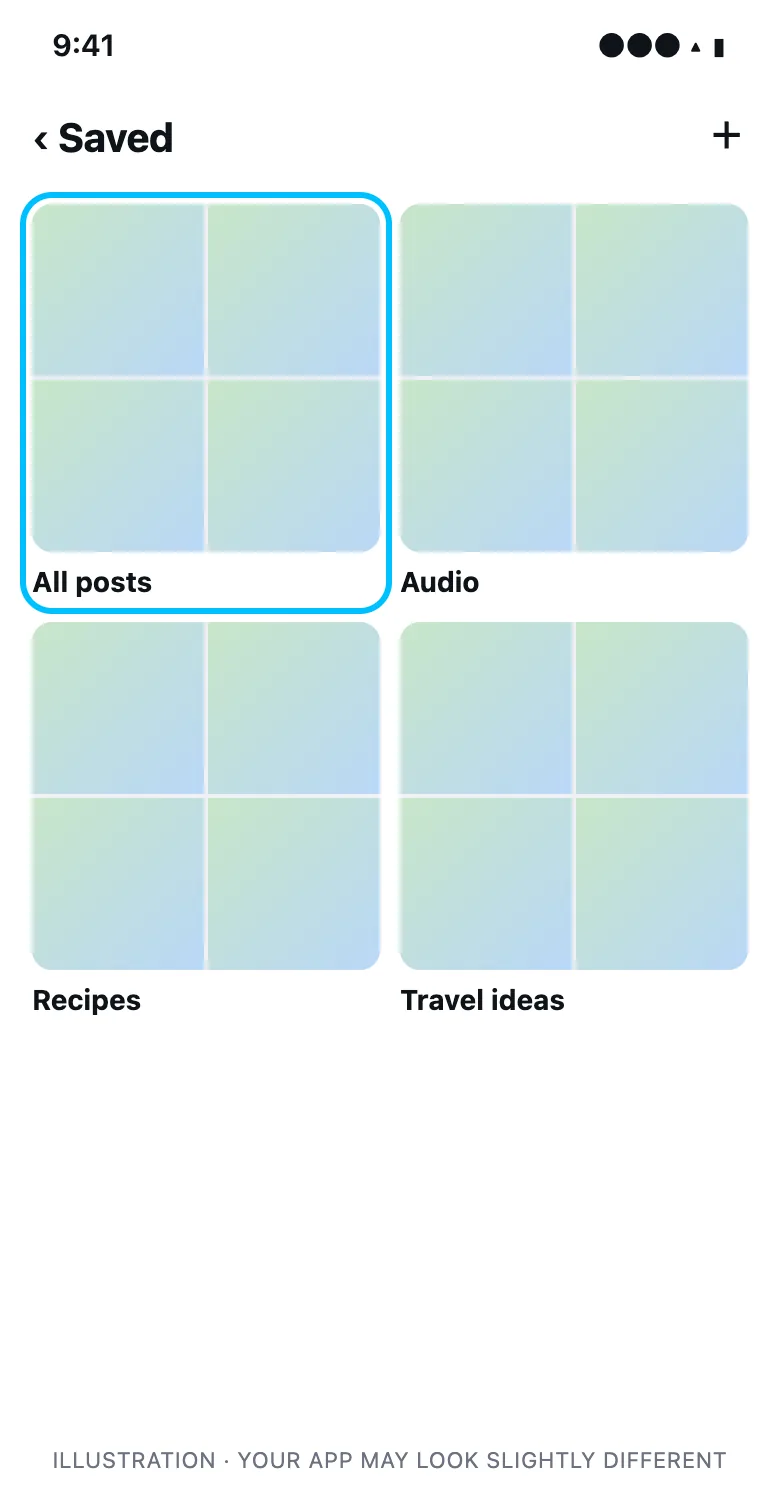
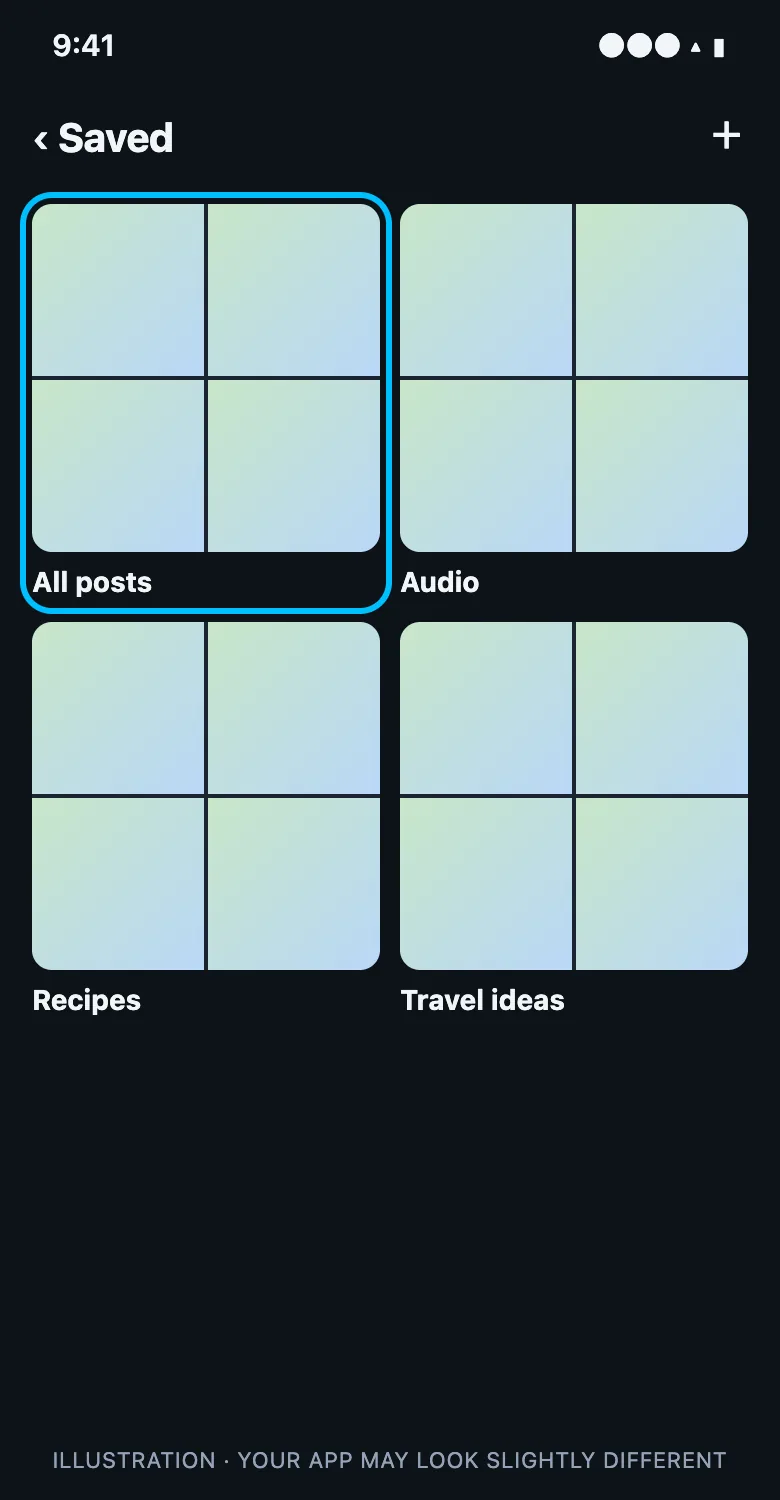
The steps are the same on iPhone and Android.
Find saved posts on a computer
- Go to instagram.com and log in.
- Click your profile picture in the left sidebar.
- Click the Saved tab above your posts. It only shows on your own profile.
You can also click More (☰) at the bottom of the sidebar and choose Saved. Collections and All posts work the same as on your phone.
Find saved reels and videos
There’s no separate tab for saved reels. Reels and videos you save go into All posts alongside photos, and into whichever collection you picked. In the grid, reels show a small reel icon in the corner.
If you want your reels in one place, create a collection called “Reels” and add them as you save. When you save a reel, tap and hold the bookmark to choose a collection.
Find saved audio
Sounds you save from reels appear in Saved under Audio. You can also find them when you create a reel: tap the music icon and choose Saved.
Collections and All posts
| Where | What’s in it |
|---|---|
| All posts | Every post and reel you’ve saved, in any collection or none |
| Your collections | Only the posts you added to that collection |
| Shared collections | Posts saved by you and the people you invited |
| Audio | Sounds saved from reels |
A post can be in several collections. Removing it from a collection leaves it in All posts. To fully remove it, unsave it. See how to unsave reels and delete collections.
What order are saved posts in?
Saved posts are shown newest first, by when you saved them, not when they were posted. There’s no search or filter inside Saved, so with a large folder you have to scroll. That’s why organizing into collections helps.
Saved posts missing or not loading
If your Saved folder looks empty or posts won’t open, these are the usual reasons and fixes:
| What you see | Why | What to do |
|---|---|---|
| A saved post is gone | The creator deleted or archived it | Nothing to fix. It’s gone from everyone’s Saved |
| Posts from one account vanished | The account went private or blocked you | Follow the account again if you can |
| Saved folder is blank | App glitch or slow connection | Update Instagram, restart it, or try instagram.com |
| Saved won’t finish loading | Very large Saved folder | Scroll slowly, or clear old saves to make it lighter |
| Collection is missing | You left or deleted a shared collection | Ask the owner to invite you again |
Logging out and back in also clears most loading problems.
Get a list of all your saved posts
Instagram can give you a file listing everything you’ve saved. This is handy if your Saved folder is too big to scroll.
- Go to your profile → menu → Accounts Center.
- Tap Your information and permissions → Download your information.
- Choose your Instagram account and pick Some of your information.
- Select Saved, choose HTML for an easy-to-read file, and request the download.
Instagram emails you when it’s ready, usually within a day. The file lists each saved post with a link and the date you saved it.
Find saved posts from one account
Saved has no filter by account. The quickest options are to scroll All posts looking for their profile picture, or to start a collection for that account and add their posts as you find them. On a computer, a bigger screen makes scanning the grid much faster.
How many posts can you save?
Instagram doesn’t publish a limit, and it’s common to have thousands of saved posts. Very large Saved folders can load slowly, which is when clearing old saves helps most.
Keep your Saved folder organized
- Make a few collections, like Recipes, Travel, and Outfits, and add posts as you save.
- Tap and hold the bookmark when saving to choose a collection right away.
- Clear out old saves now and then. If you’ve saved hundreds or thousands of posts, unsave them all at once and start fresh.
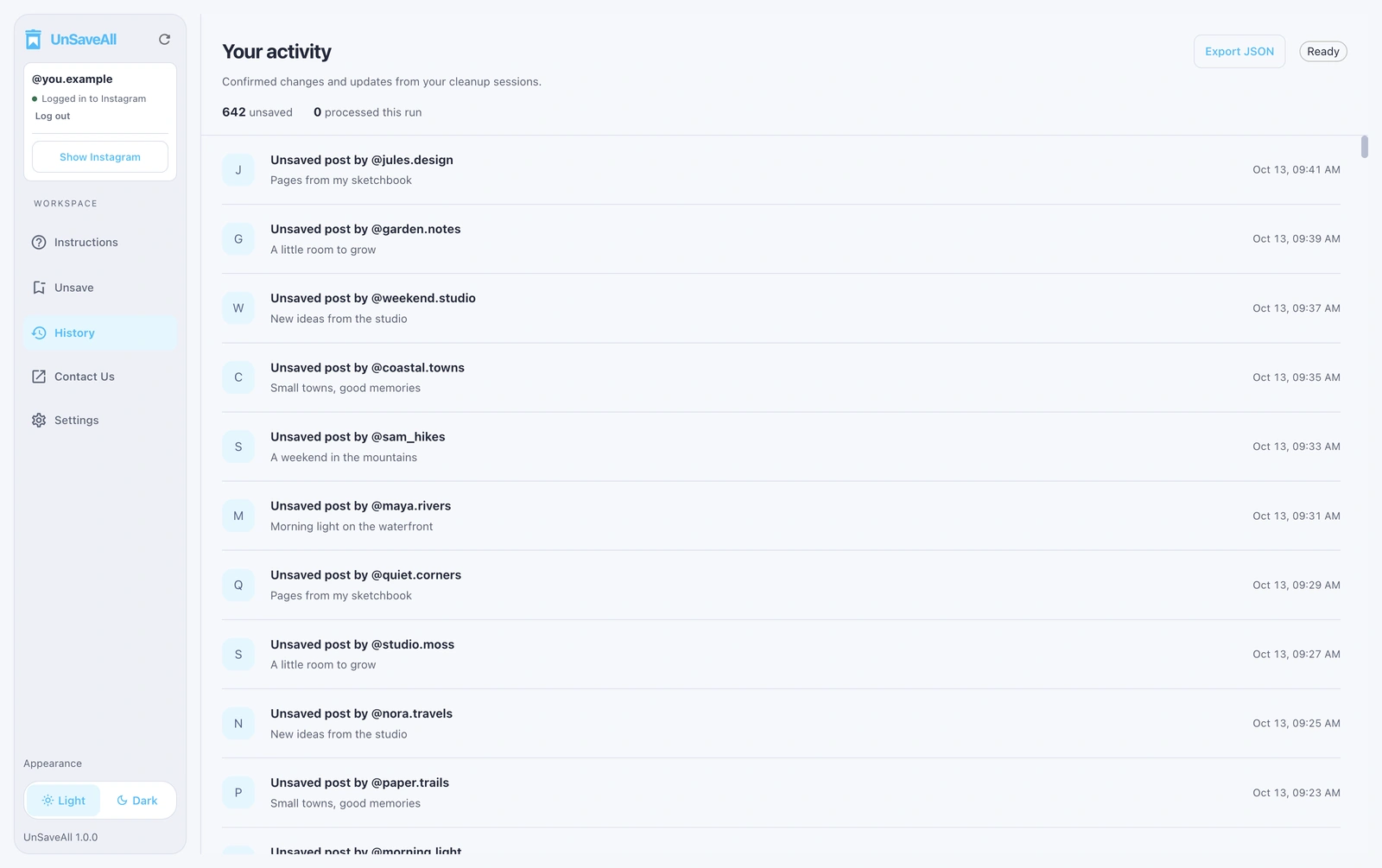
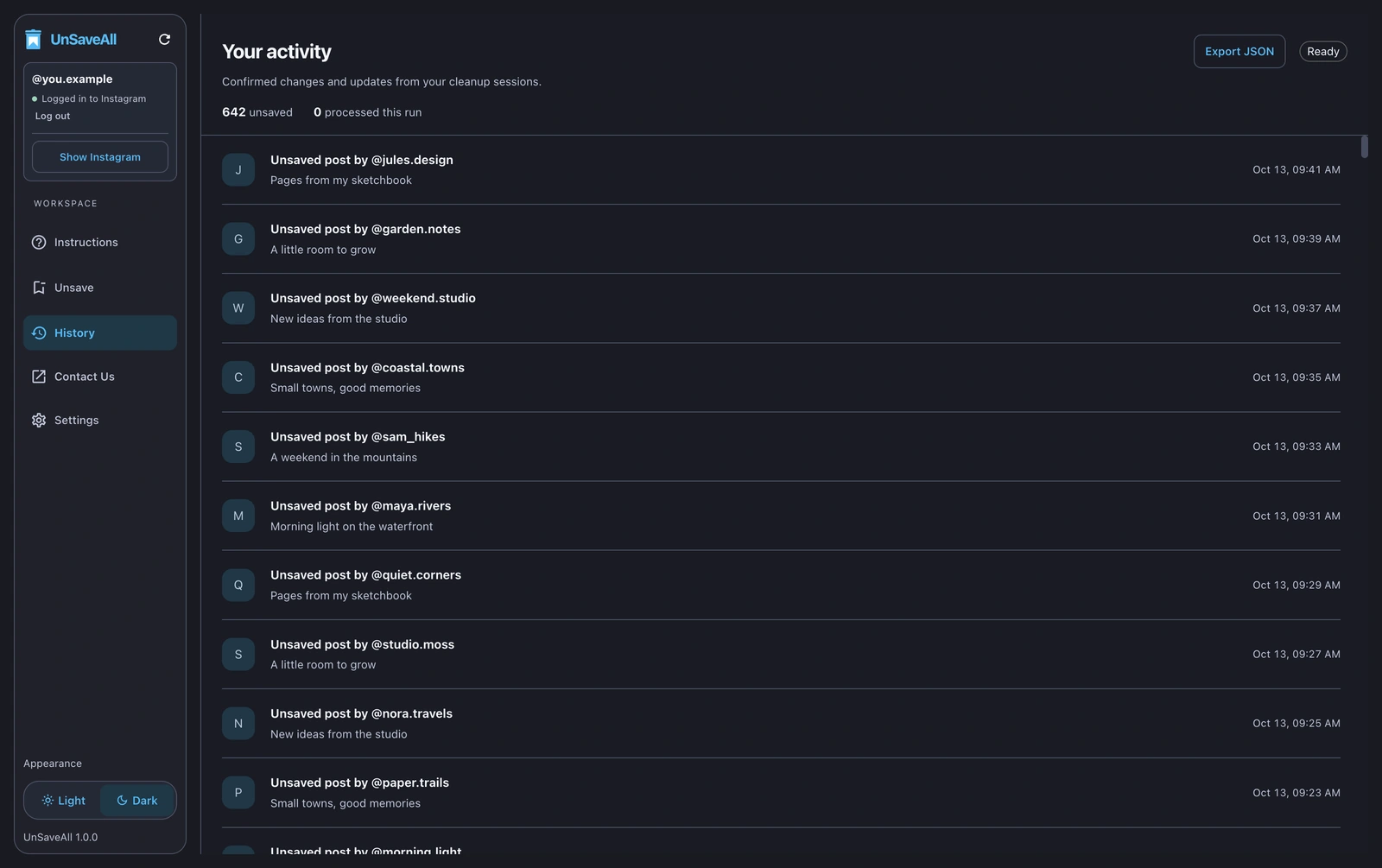
Unsave all your Instagram posts with UnSaveAll
Clear every saved post and reel with one click. On iPhone, Android, Mac, and Windows.


Frequently asked questions
Where are saved posts on Instagram?
Profile → menu (☰) → Saved. Everything is under All posts.
How do I find saved reels on Instagram?
Saved reels are in Saved → All posts, mixed in with photos, and in any collection you chose.
Can I see saved posts on a computer?
Yes. On instagram.com, open your profile and click the Saved tab.
Why did my saved posts disappear?
Usually the creator deleted or archived the post, or the account went private.
Can I search my saved posts?
No. Instagram has no search inside Saved. Collections are the best way to organize them.
Do saved posts expire?
No. They stay saved until you unsave them or the post is removed.
Can other people see my saved posts?
No. Only you can see them. See our guide on whether people can see what you save.
How do I see all my saved posts at once?
Request your data from Download your information and select Saved. You get a full list with links.
Is there a limit on saved posts?
Instagram doesn’t publish one. Many people have thousands.