 UnSaveAll
Saved reels and collections work a little differently from regular saved posts. Here’s how to unsave a reel, remove something from a collection without unsaving it, delete a whole collection, and clear lots of saved reels at once.
In this guide
- How to unsave a reel
- Remove a post from a collection
- Delete a collection
- Delete collection vs unsave: the difference
- Rename or change a collection cover
- Leave a shared collection
- Unsave from your feed or a profile
- Move a post to another collection
- If a reel won’t unsave
- Create a new collection
- Unsave all your reels at once
- FAQ
Quick answer: To unsave a reel, open it and tap the bookmark icon. To delete a collection, open it, tap ⋯, and choose Delete collection. Deleting a collection doesn’t unsave the posts in it.
How to unsave a reel
Step 1 Open the reel
Go to Saved → All posts and tap the reel. Saved reels have a small reel icon on the thumbnail.
Step 2 Tap the bookmark
On the right side of the reel, tap the filled bookmark icon. It turns into an outline, and the reel is unsaved. On some versions, the bookmark is under ⋯.
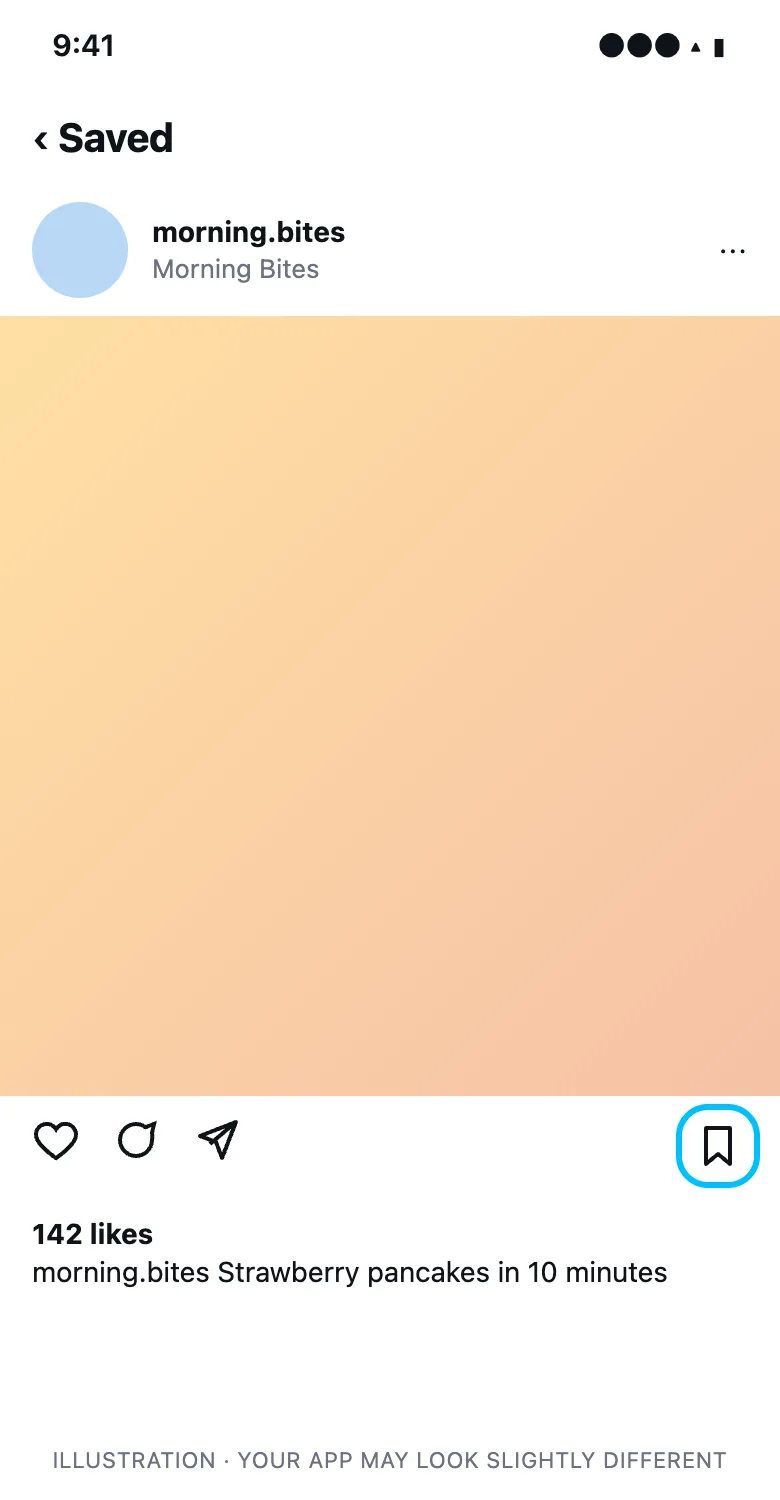
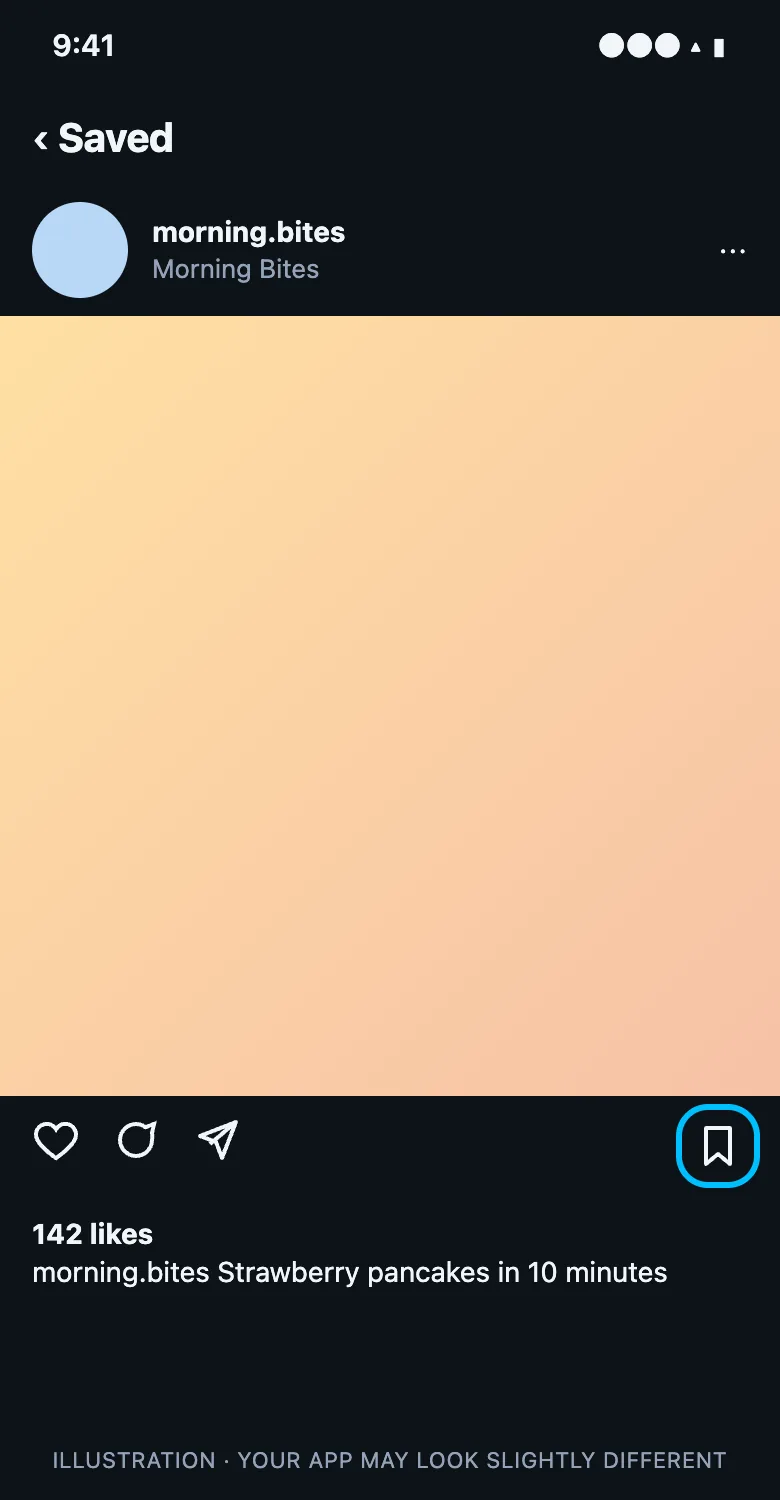
Unsaving removes the reel from All posts and from every collection it was in.
Remove a post from a collection
If you want to keep a post saved but take it out of one collection:
- Open the collection.
- Tap ⋯ and choose Select (or Edit collection).
- Tap the posts to remove.
- Tap Remove from collection.
The posts stay in All posts.
Delete a collection
- Open Saved and tap the collection.
- Tap ⋯ in the top right.
- Tap Delete collection and confirm.
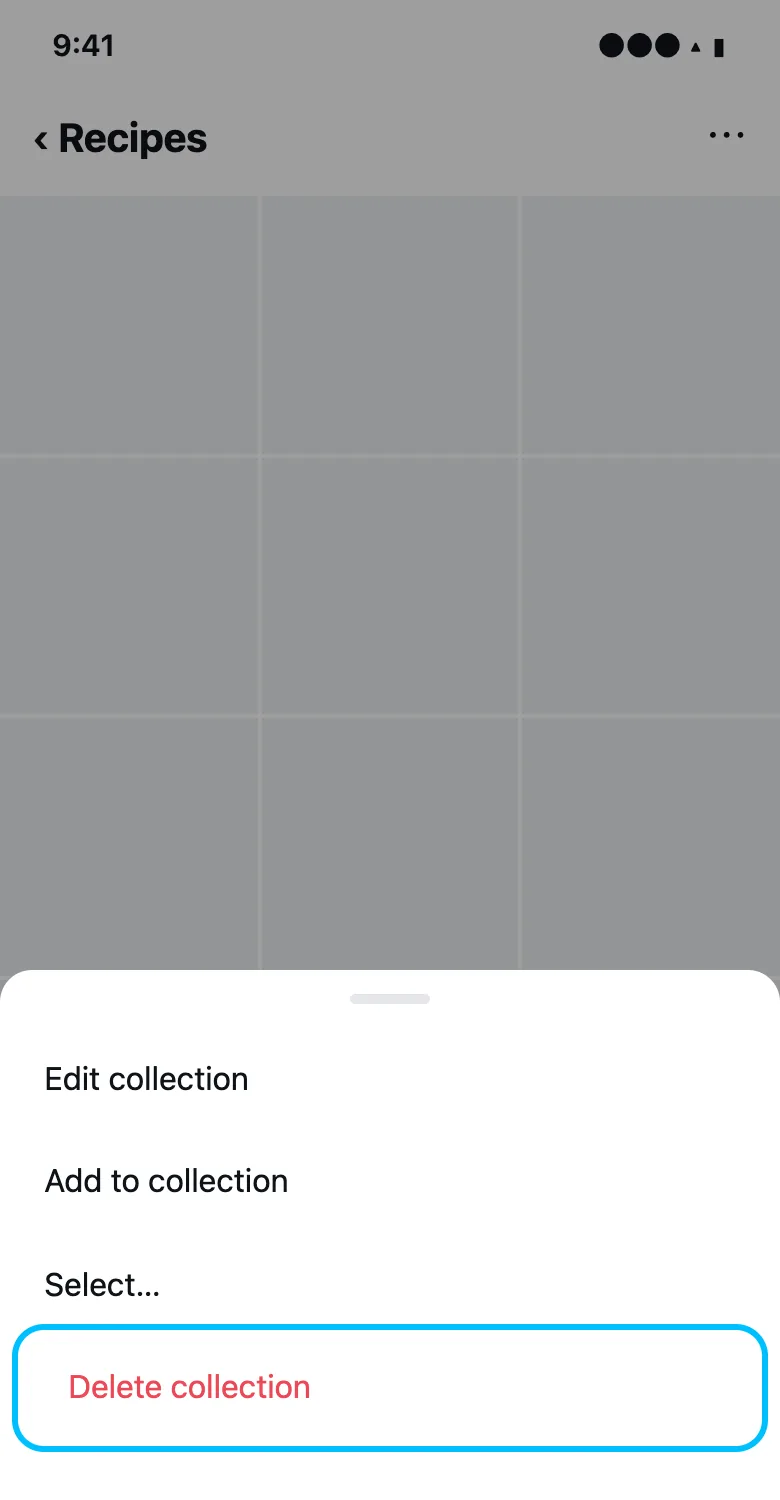
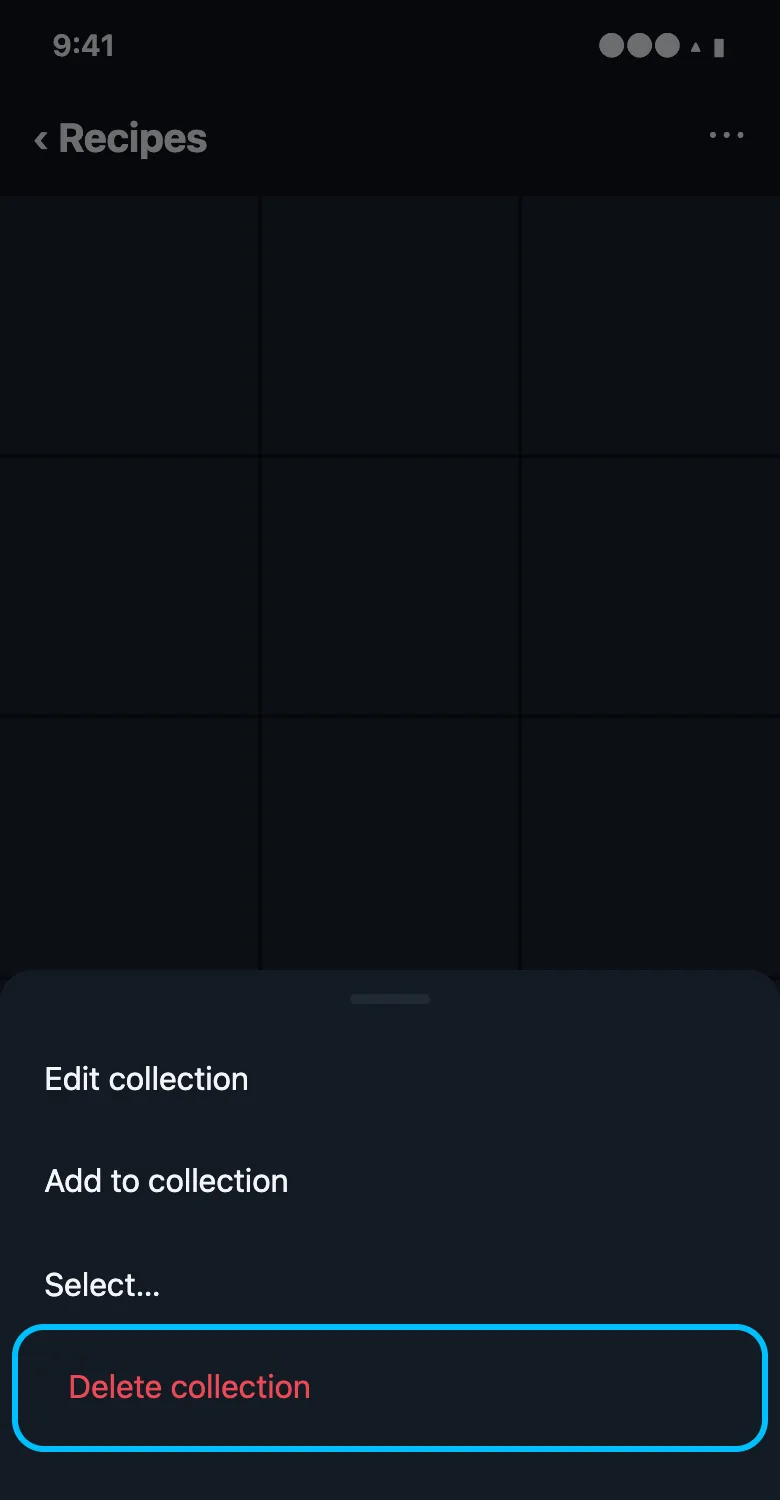
On instagram.com, open the collection and use the ⋯ menu the same way.
Delete collection vs unsave: the difference
| Action | Removes from the collection | Removes from All posts |
|---|---|---|
| Delete collection | Yes, the collection is gone | No, posts stay saved |
| Remove from collection | Yes | No |
| Unsave | Yes, from every collection | Yes |
So if your goal is a clean Saved folder, deleting collections isn’t enough. The posts are still under All posts until you unsave them.
Rename or change a collection cover
Open the collection, tap ⋯, and choose Edit collection. You can change the name and pick a different cover post. Changes only show to you, or to the members of a shared collection.
Leave a shared collection
Open the shared collection, tap ⋯, and choose Leave collection. If you own it, you can delete it instead, which removes it for everyone.
Unsave from your feed or a profile
You don’t have to go through Saved. Anywhere you see a post you saved, in your feed, on a profile, or in Explore, its bookmark is filled in. Tap it to unsave. On instagram.com, the bookmark sits under the post on the right.
Move a post to another collection
Instagram has no move button, so it’s two steps: add the post to the new collection, then remove it from the old one. To add it, open the post, tap and hold the bookmark, and pick the collection.
If a reel won’t unsave
- Update Instagram. Old versions sometimes don’t show the bookmark on reels.
- Close and reopen the app, then try again.
- Try on instagram.com, where the bookmark is always visible under the reel.
- If the reel was deleted, it will drop out of your Saved folder on its own.
Create a new collection
- Open Saved and tap + in the top right.
- Name the collection.
- Pick posts from your saved posts to add, or skip and add them later.
- Tap Done.
Unsave all your reels at once
Instagram only unsaves one reel at a time, which takes a while if you’ve saved hundreds. UnSaveAll unsaves every saved post and reel in your account for you, on iPhone, Android, Mac, and Windows, and keeps a history of what it removed.
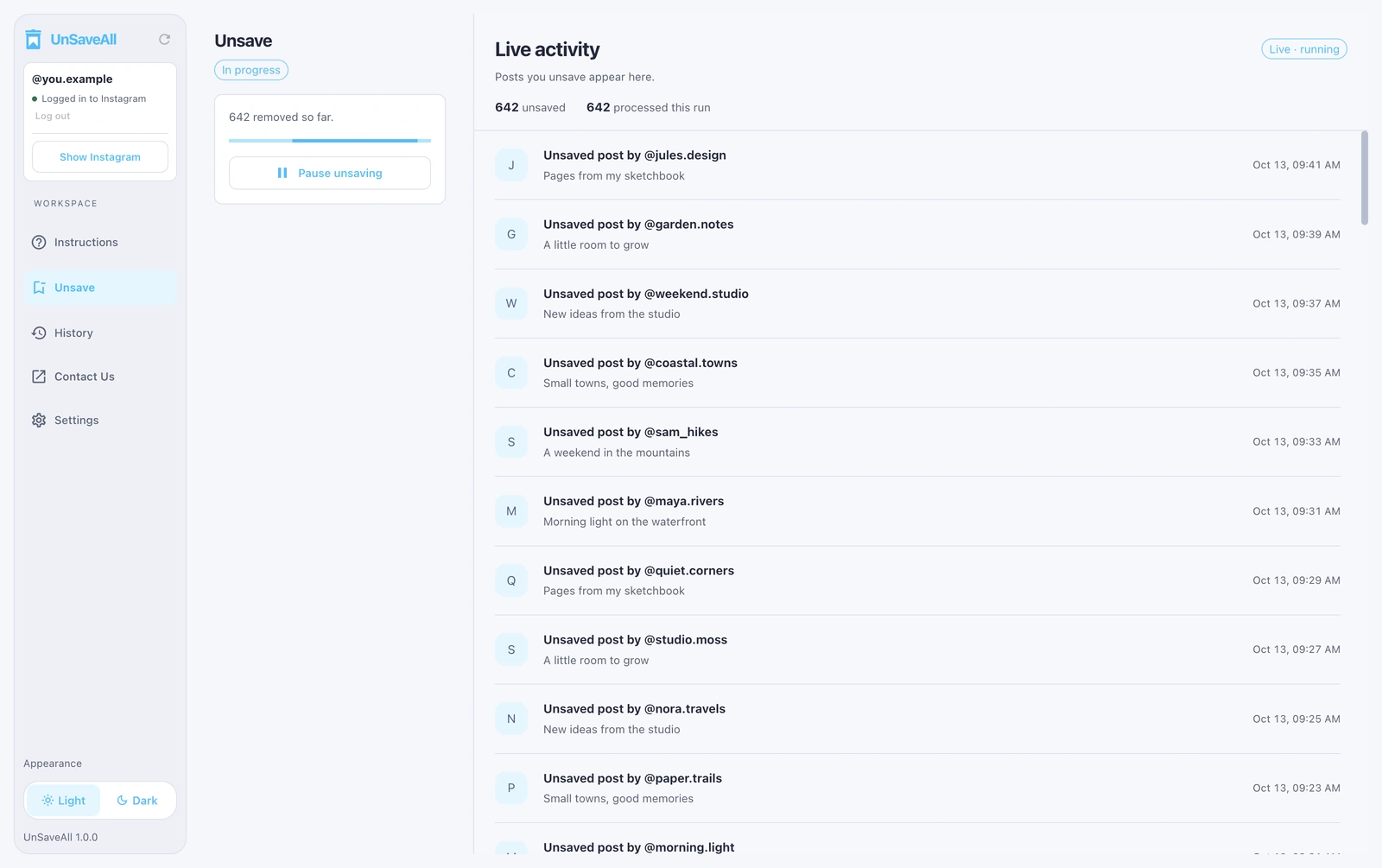
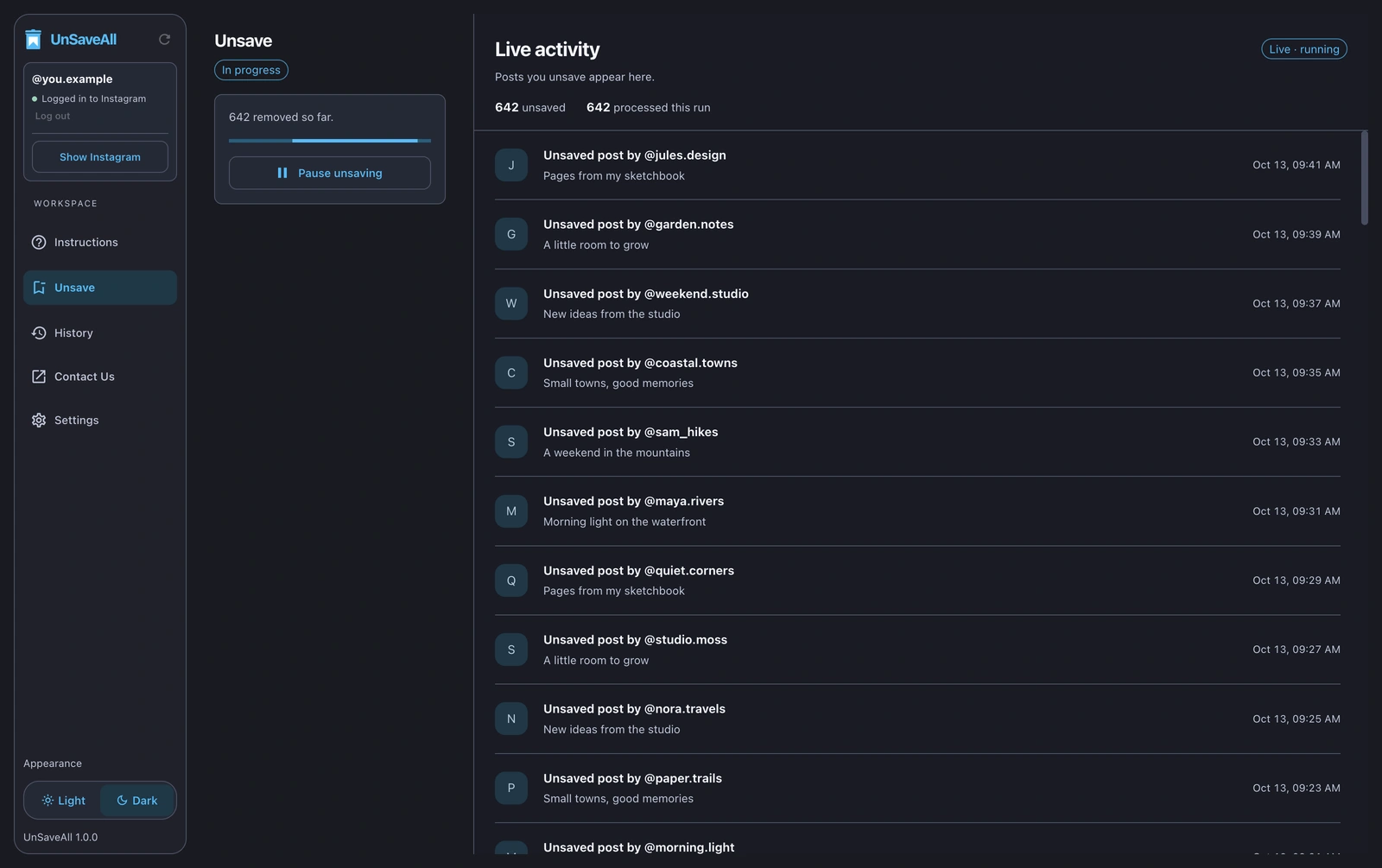
Step-by-step instructions are in how to unsave all posts on Instagram at once.
Unsave all your Instagram posts with UnSaveAll
Clear every saved post and reel with one click. On iPhone, Android, Mac, and Windows.


Frequently asked questions
How do I unsave a reel on Instagram?
Open the reel from Saved and tap the bookmark icon so it turns into an outline.
Does deleting a collection unsave the posts?
No. The posts stay in All posts. You have to unsave them separately.
How do I delete a saved collection?
Open the collection, tap ⋯, and choose Delete collection.
Can I unsave all my reels at once?
Not in Instagram. Apps like UnSaveAll can unsave all your saved posts and reels at once.
Can I get a deleted collection back?
No, but the posts in it are still saved, so you can make a new collection and add them.
How do I move a saved post to another collection?
Add it to the new collection, then remove it from the old one.
Why can’t I unsave a reel?
Update Instagram, restart it, or unsave the reel on instagram.com.