 UnSaveAll
Saving a post on Instagram takes one tap. Clearing hundreds of them takes much longer, because Instagram only lets you unsave posts one at a time, and deleting a collection doesn’t unsave anything. This guide covers the manual way, the shortcuts, and how to unsave everything at once.
Quick answer: Instagram only lets you unsave posts one at a time. To unsave all of them at once:
- Install UnSaveAll on iPhone, Android, Mac, or Windows.
- Tap Unsave All.
- UnSaveAll unsaves every saved post and reel for you.
In this guide
- Why Instagram has no “unsave all” button
- How to unsave posts manually
- How to unsave all your posts at once
- How to delete or remove all saved posts
- What happens to your collections
- What gets unsaved
- Does anyone know when you unsave?
- If you can’t unsave a post
- Phone or computer: which should you use?
- Other ways to clear your saved posts
- Before you start
- FAQ
Why Instagram has no “unsave all” button
Instagram keeps every saved post as its own bookmark. There’s no select-all in your Saved folder, and deleting a collection only removes the folder. The posts inside stay saved under All posts.
How to unsave posts manually
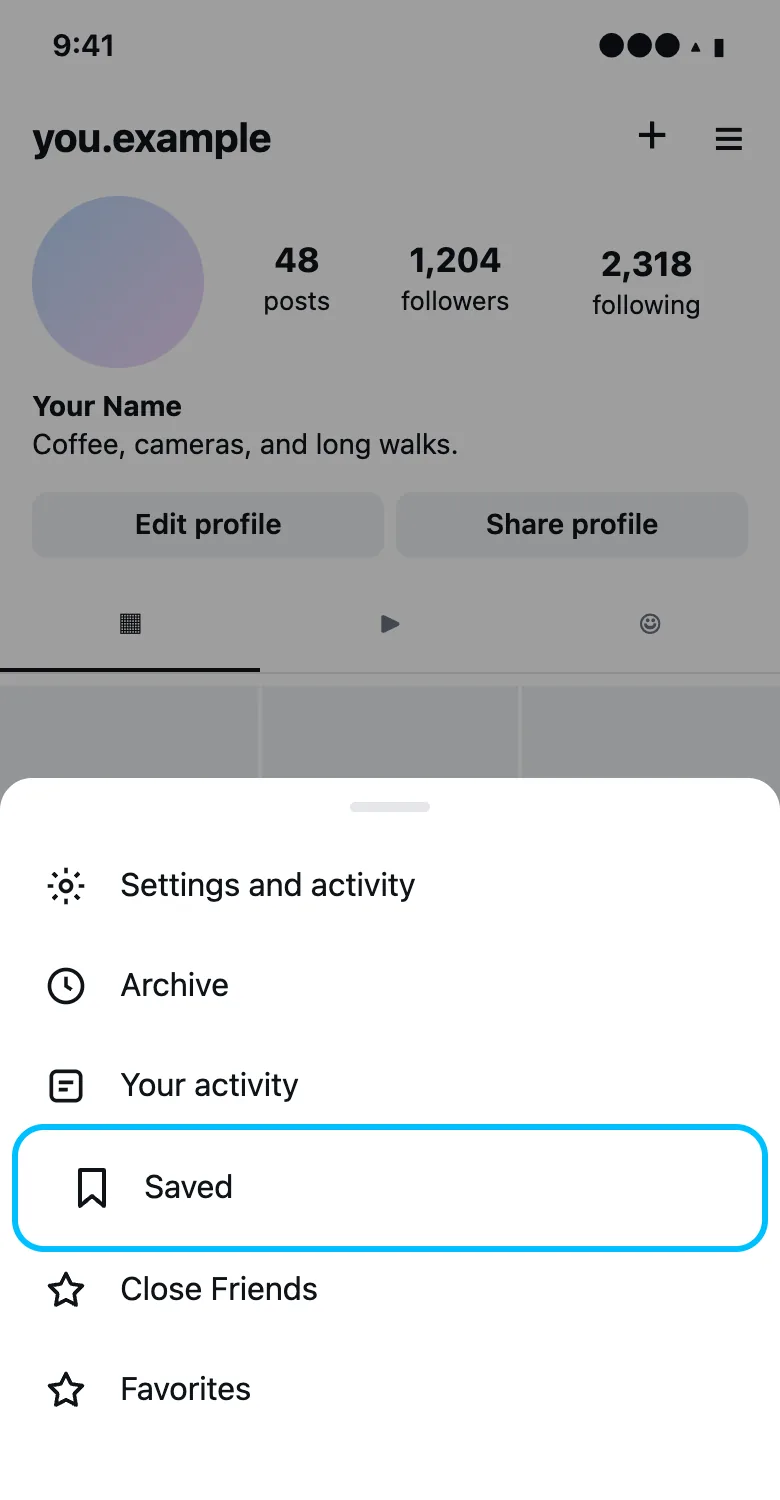
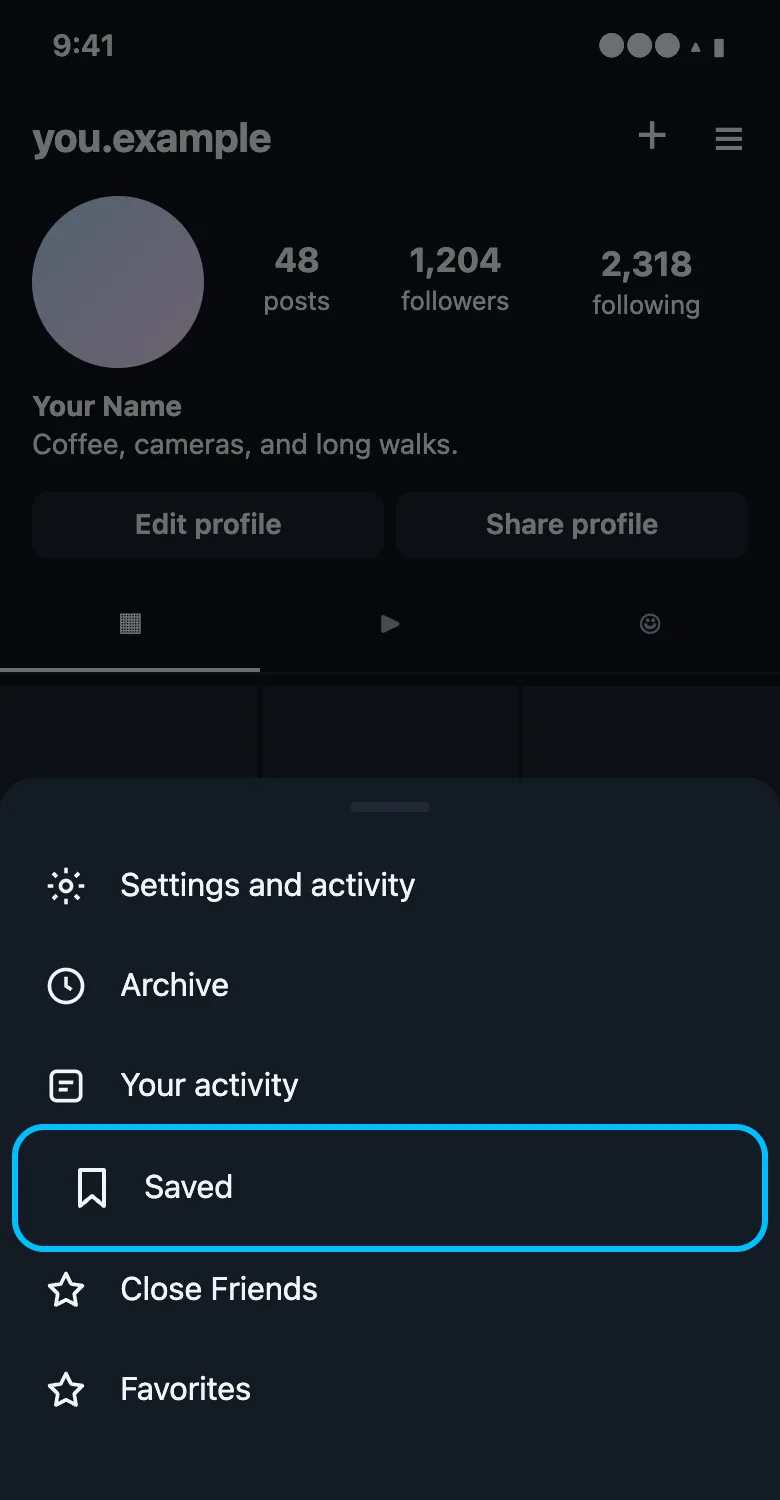
Step 1 Open your Saved folder
Go to your profile, tap the menu (☰), then Saved.
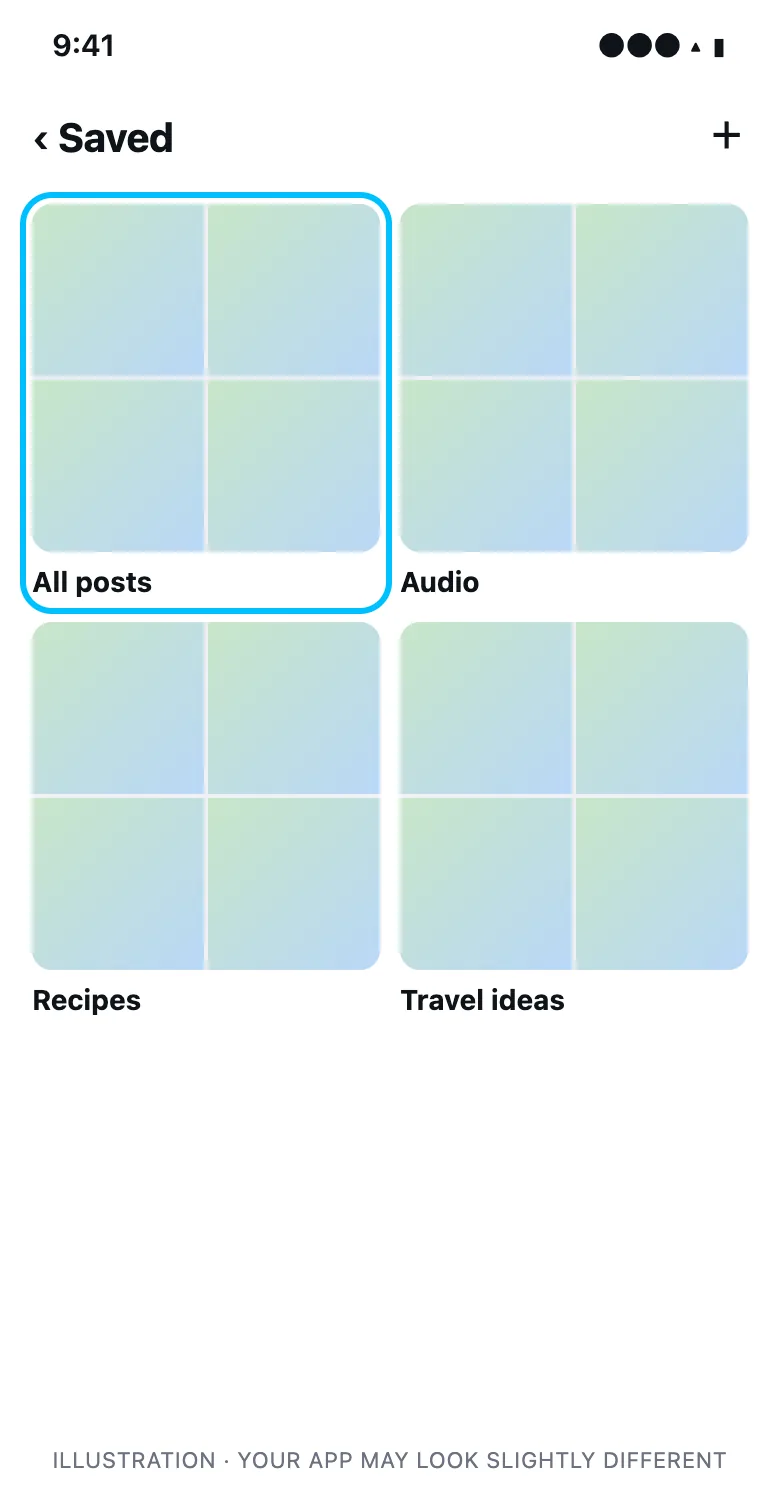
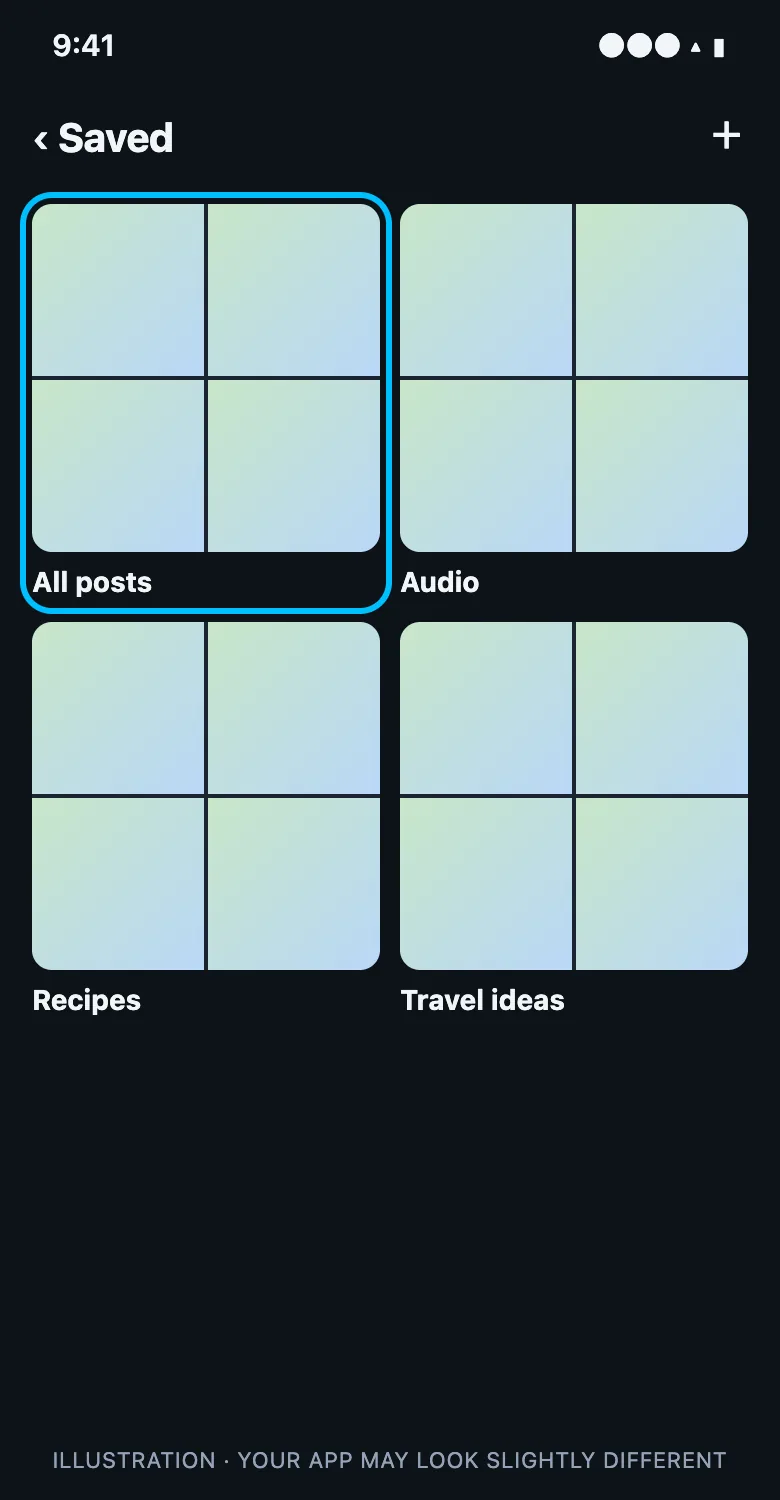
Step 2 Open All posts
All posts holds everything you’ve saved, including reels. Your collections are listed next to it.
Step 3 Tap the bookmark to unsave
Open a post and tap the filled bookmark icon under it. The post leaves your saves right away.
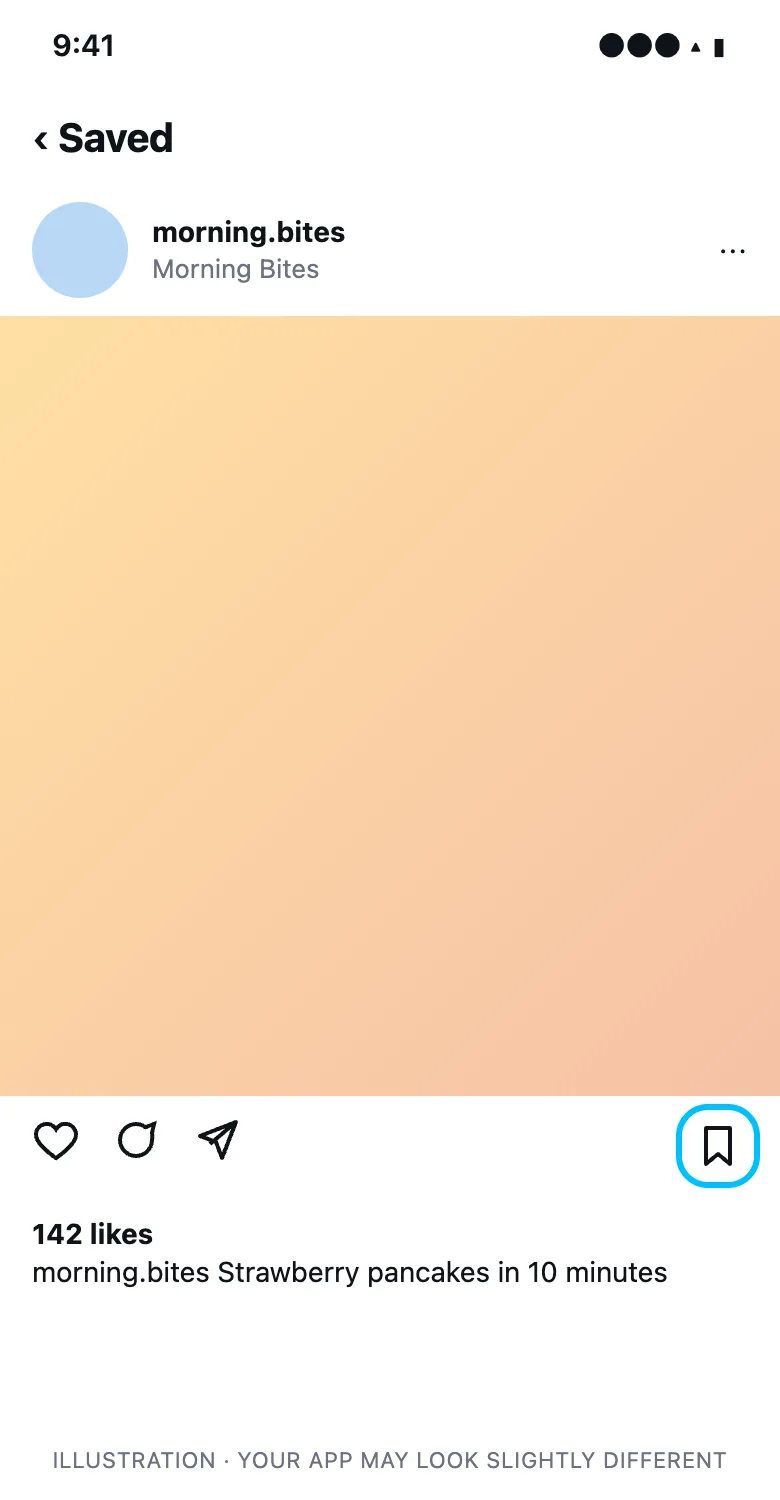
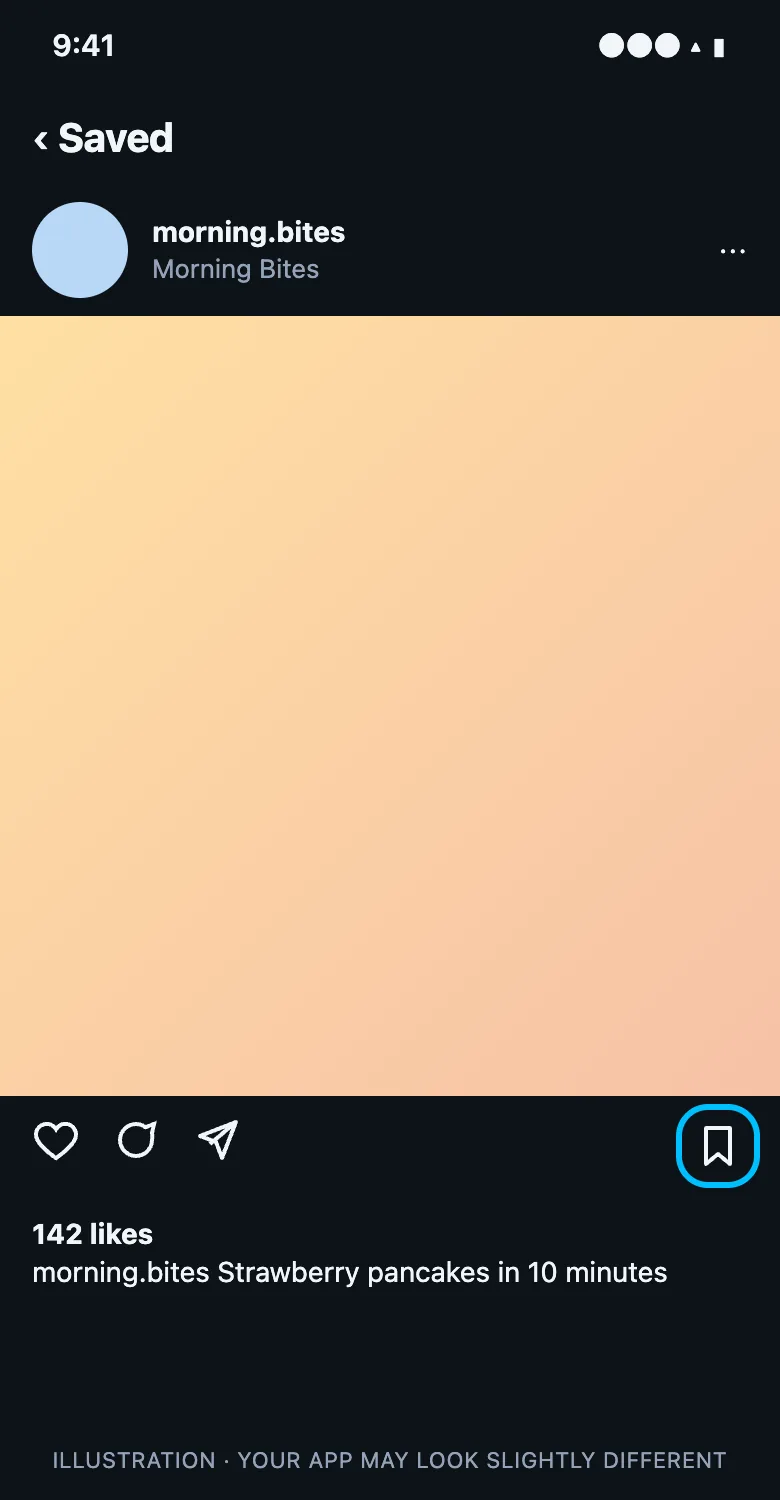
You can also unsave straight from your feed or a reel by tapping its bookmark icon. On instagram.com, open your profile, click Saved, open a post, and click the bookmark.
How to unsave all your posts at once
UnSaveAll is an app for iPhone, Android, Mac, and Windows that unsaves all your saved Instagram posts and reels for you. Pick your app for the steps:
On iPhone & Android
Step 1 Open UnSaveAll
Install UnSaveAll from the App Store or Google Play and open it. The app guides you through setup.
Step 2 Tap Unsave All
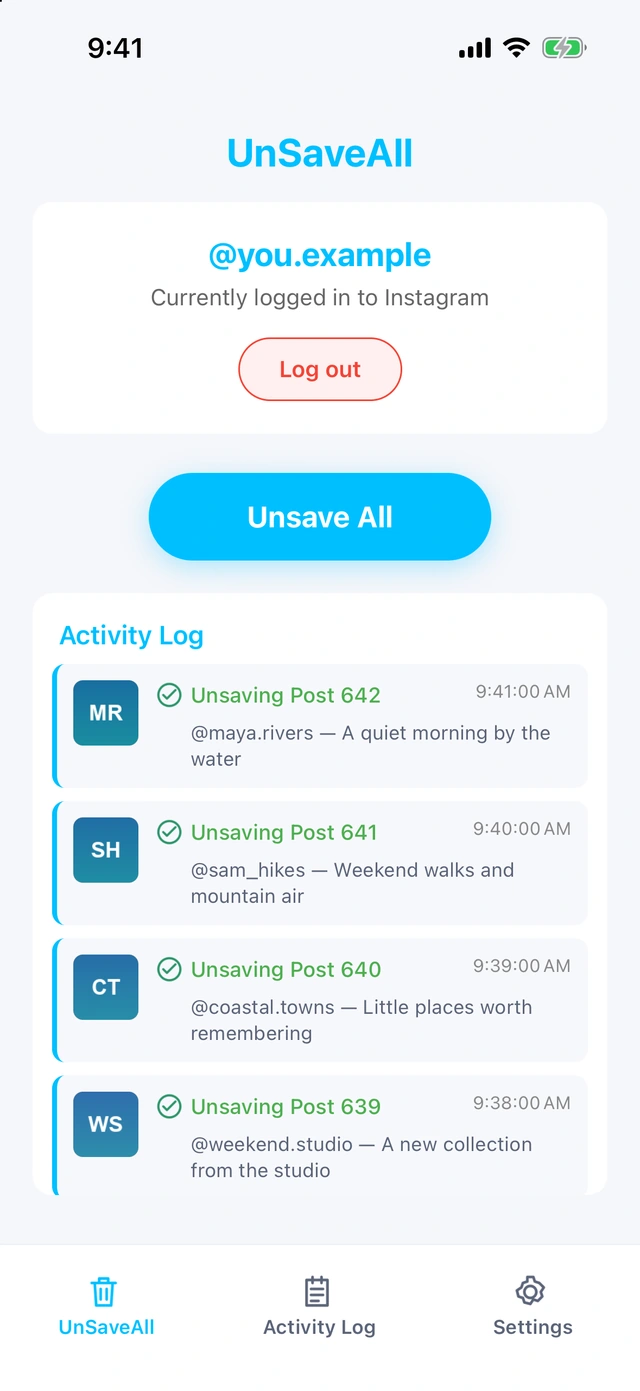
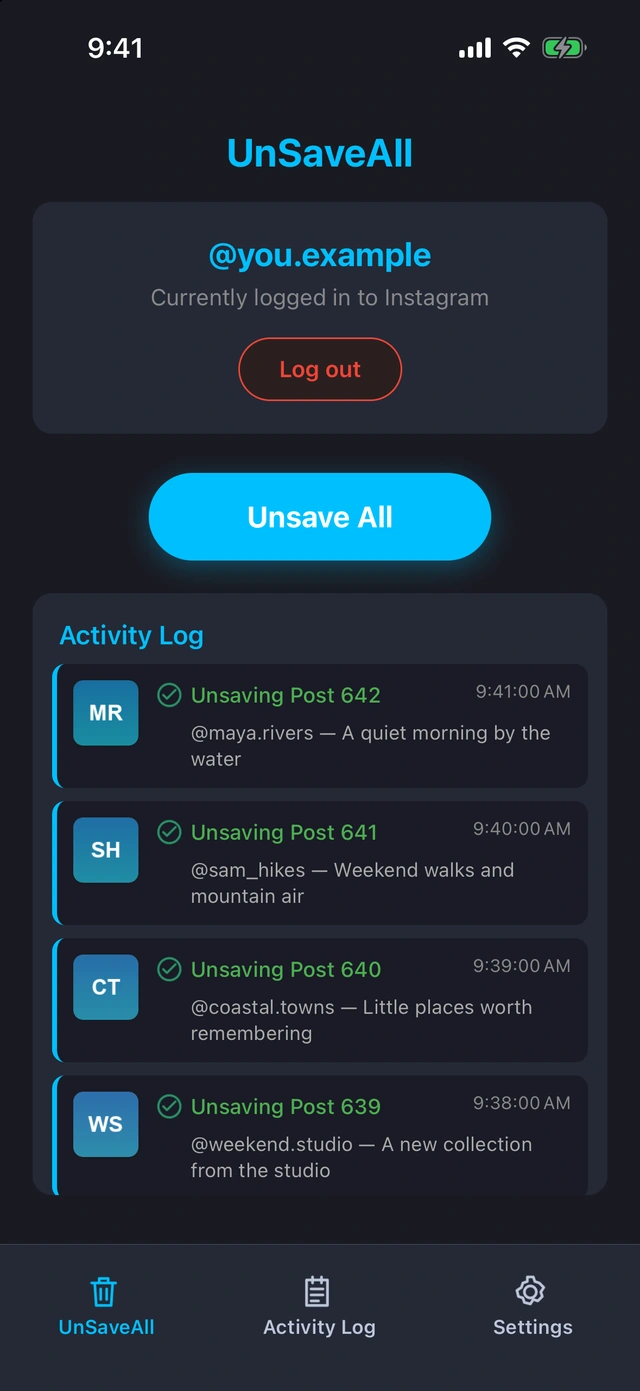
UnSaveAll works through everything you’ve saved, posts and reels alike, and unsaves each one. It keeps running in the background, and you can stop whenever you like.
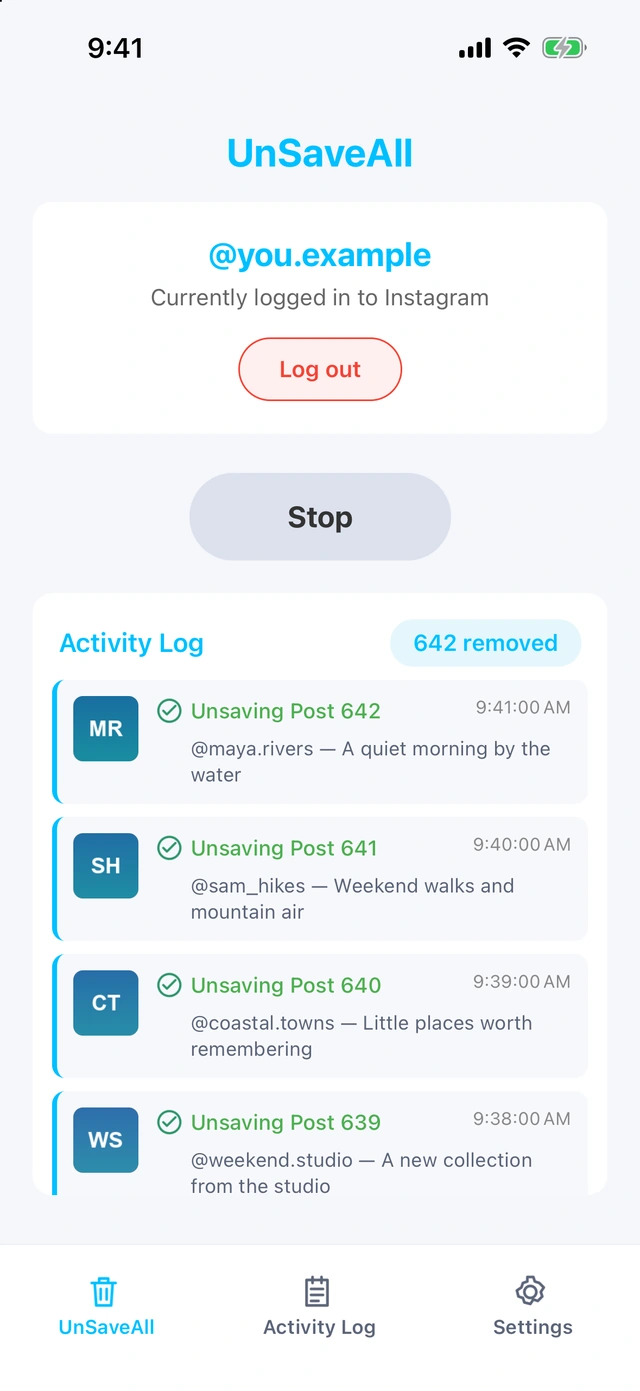
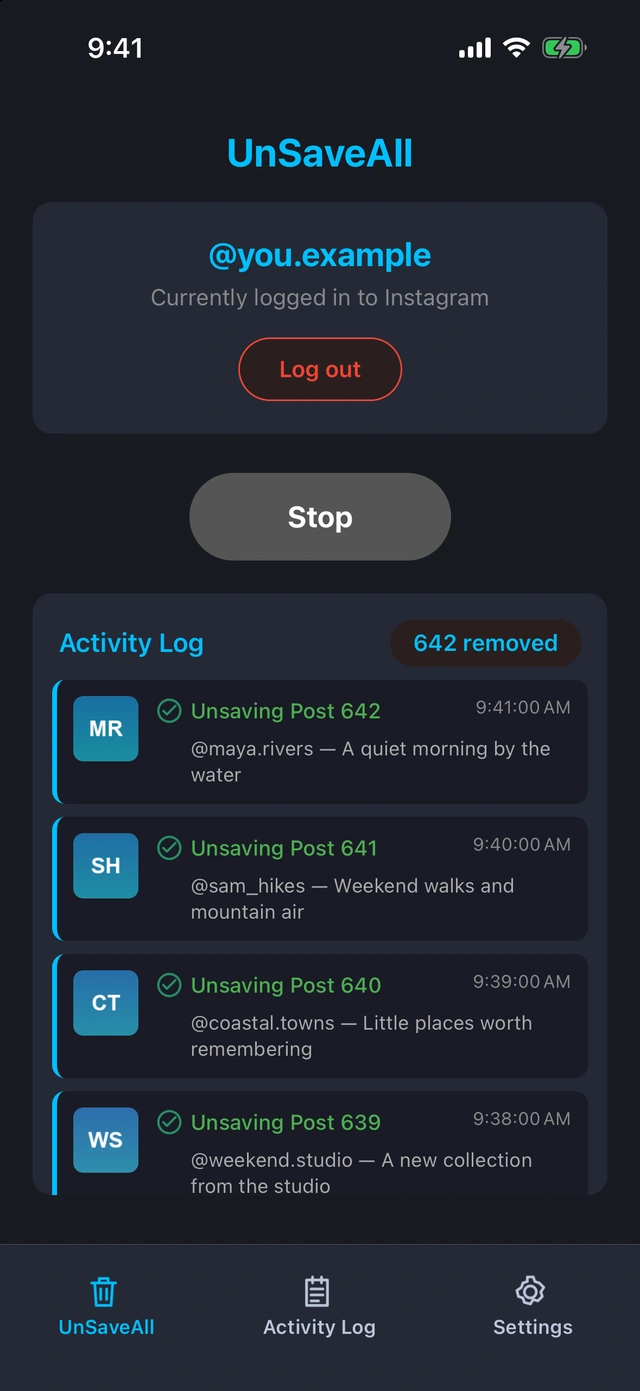
Step 3 Review your activity
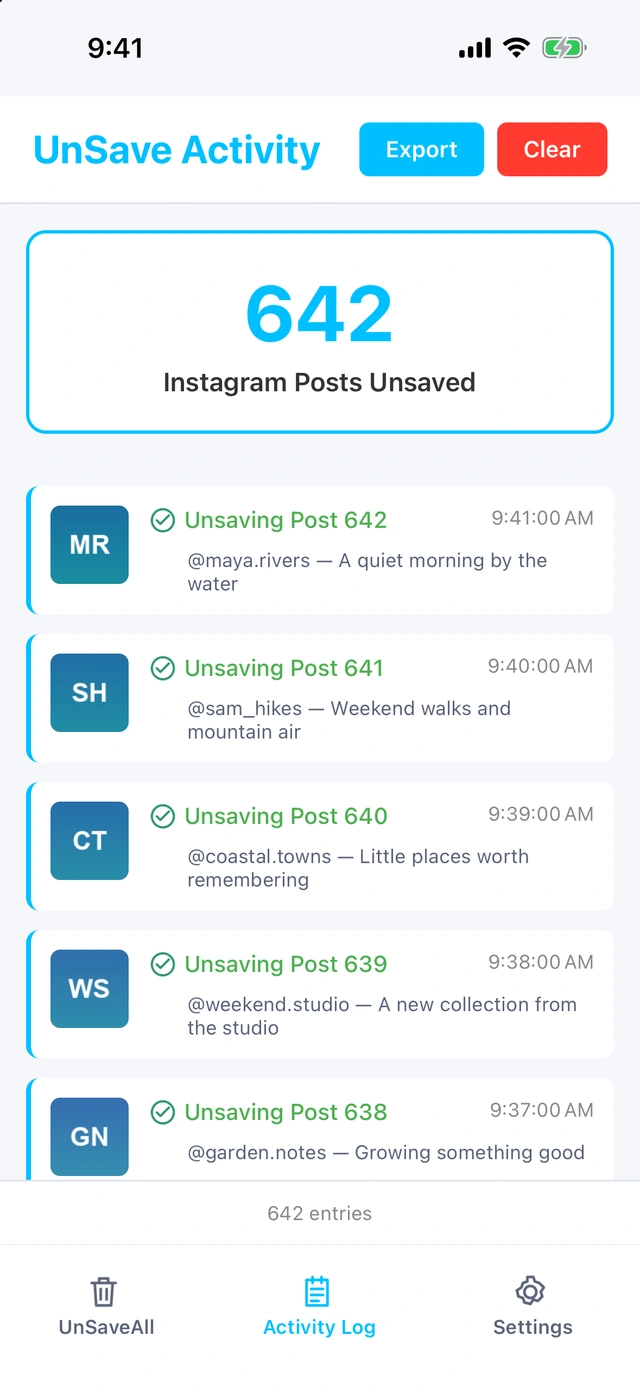
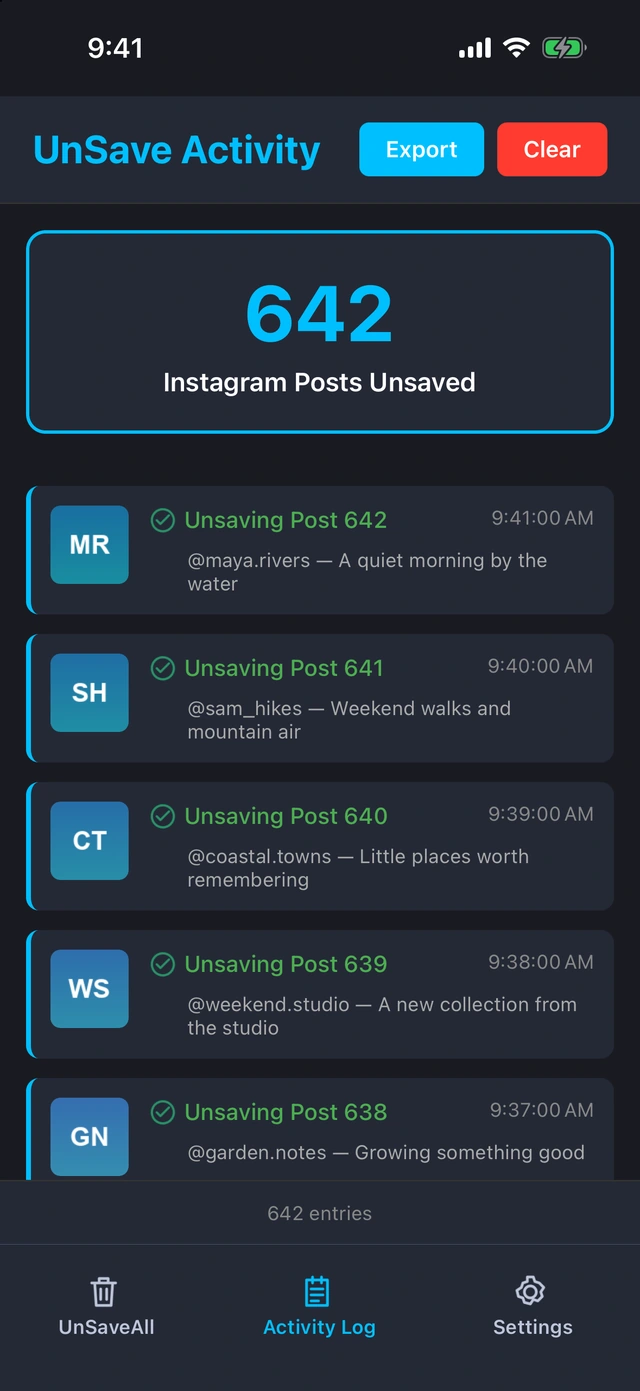
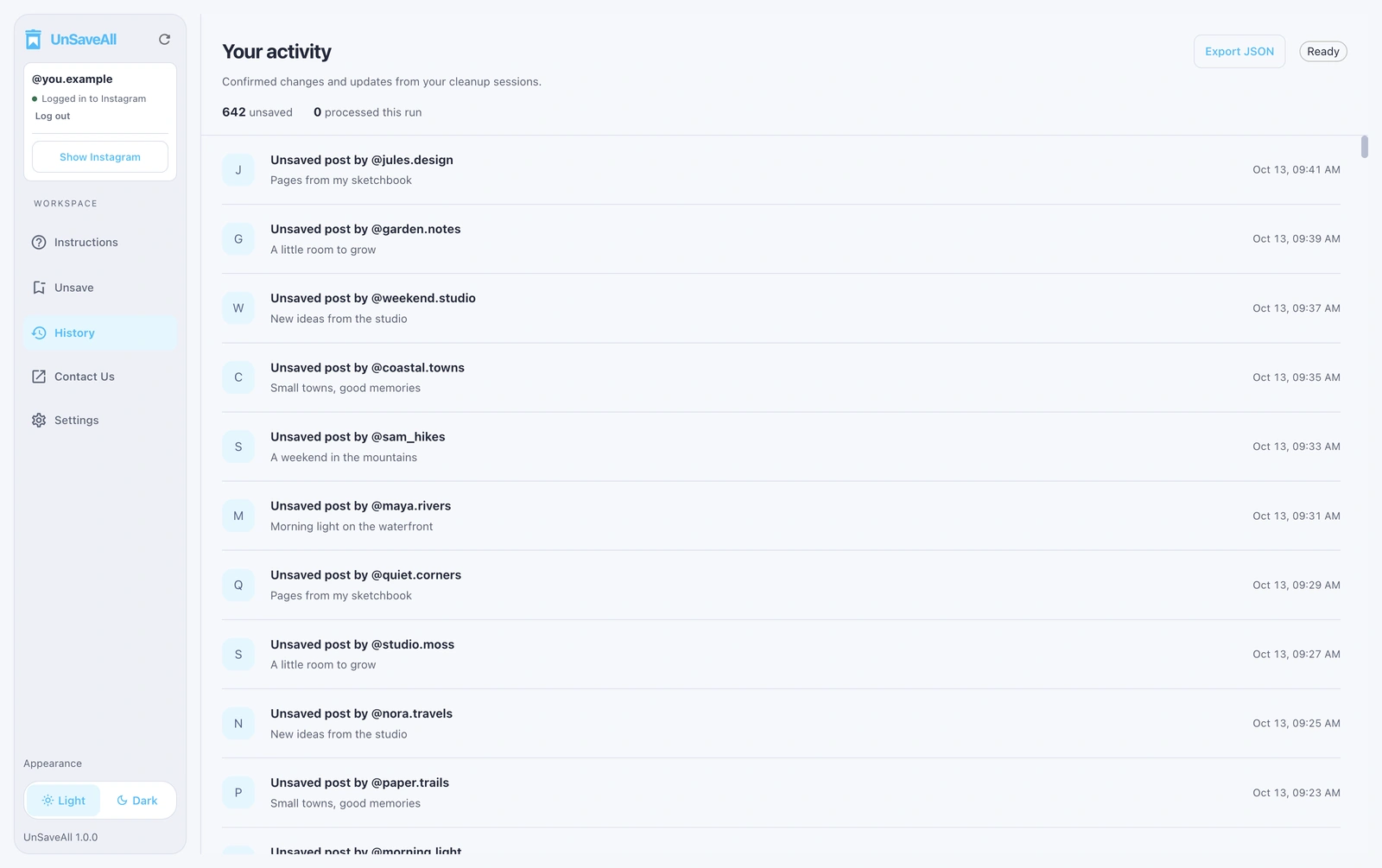
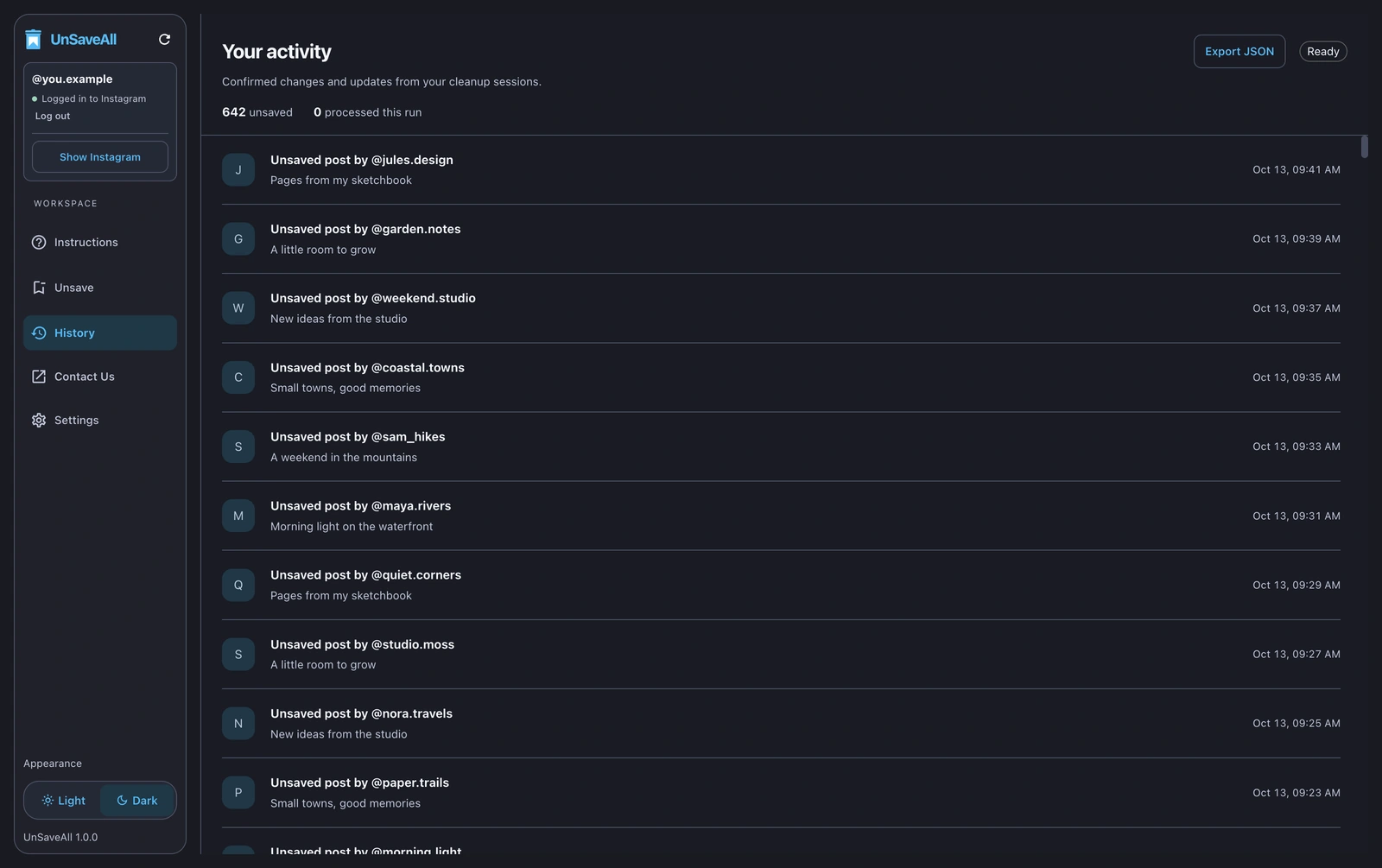
Every unsaved post is listed in your activity log, which you can export.
On Mac & Windows
Step 1 Open UnSaveAll
Get UnSaveAll Desktop for Mac or Windows and open it. The app guides you through setup.
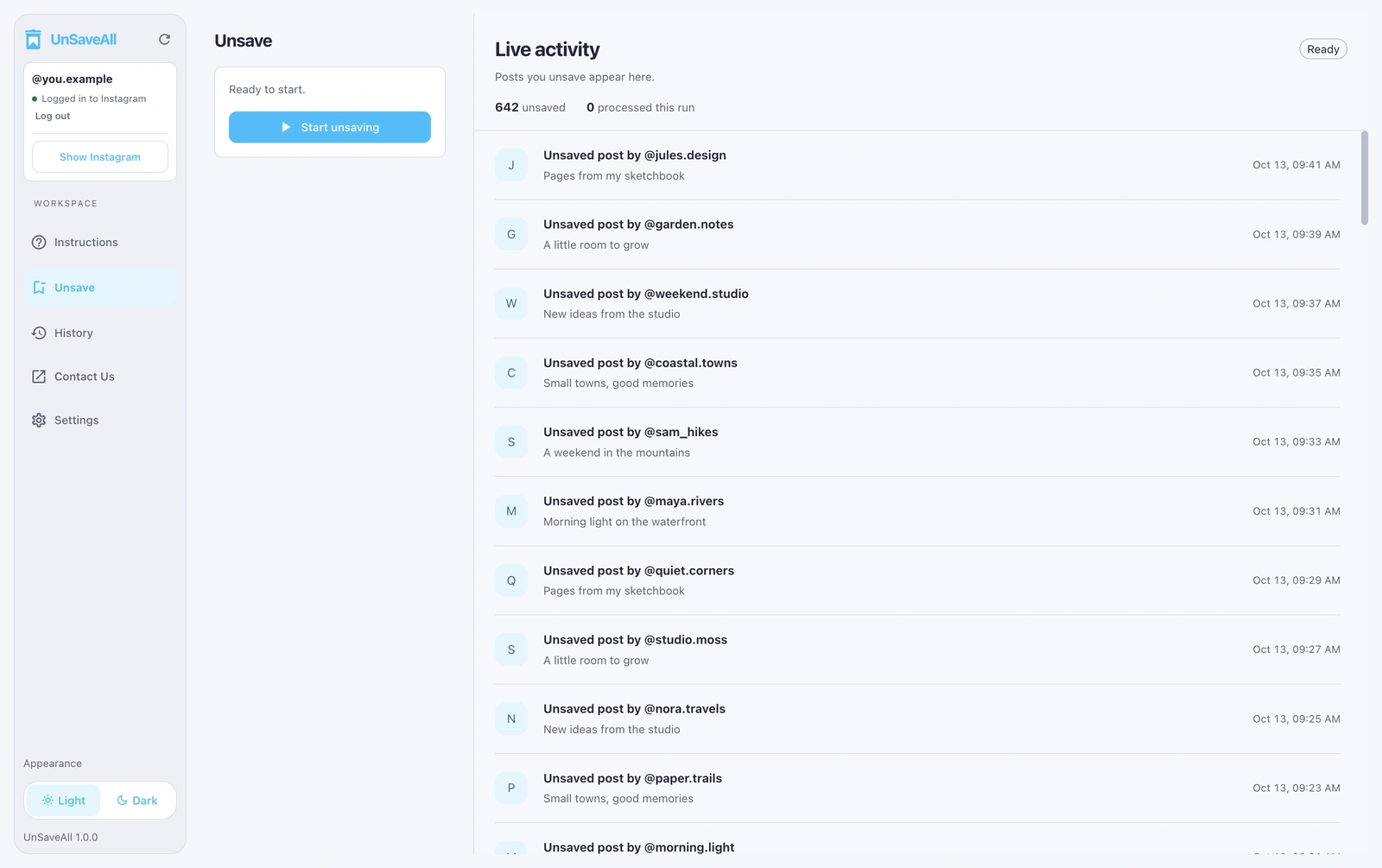
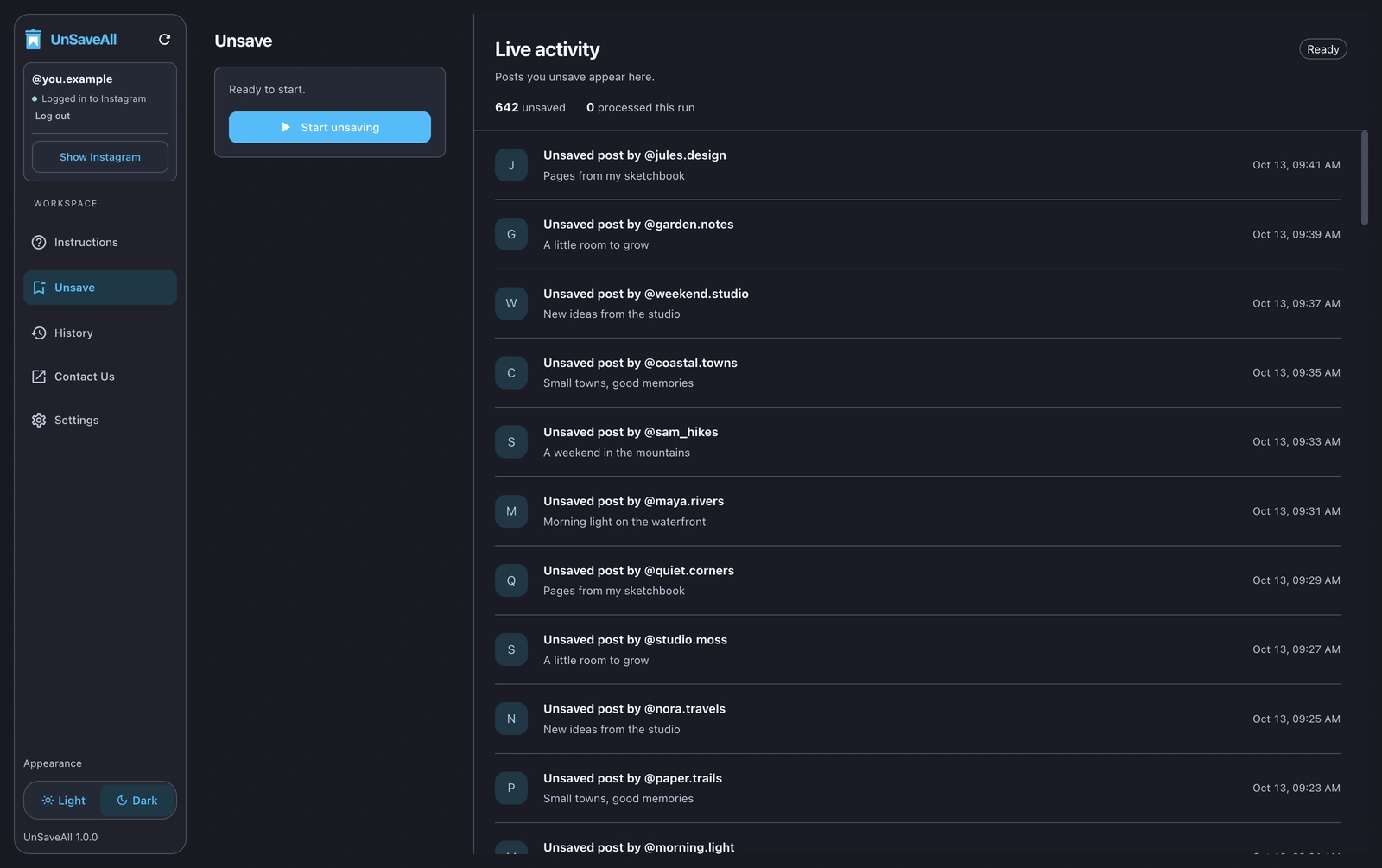
Step 2 Tap Unsave All
UnSaveAll works through everything you’ve saved, posts and reels alike, and unsaves each one. It keeps running in the background, and you can stop whenever you like.
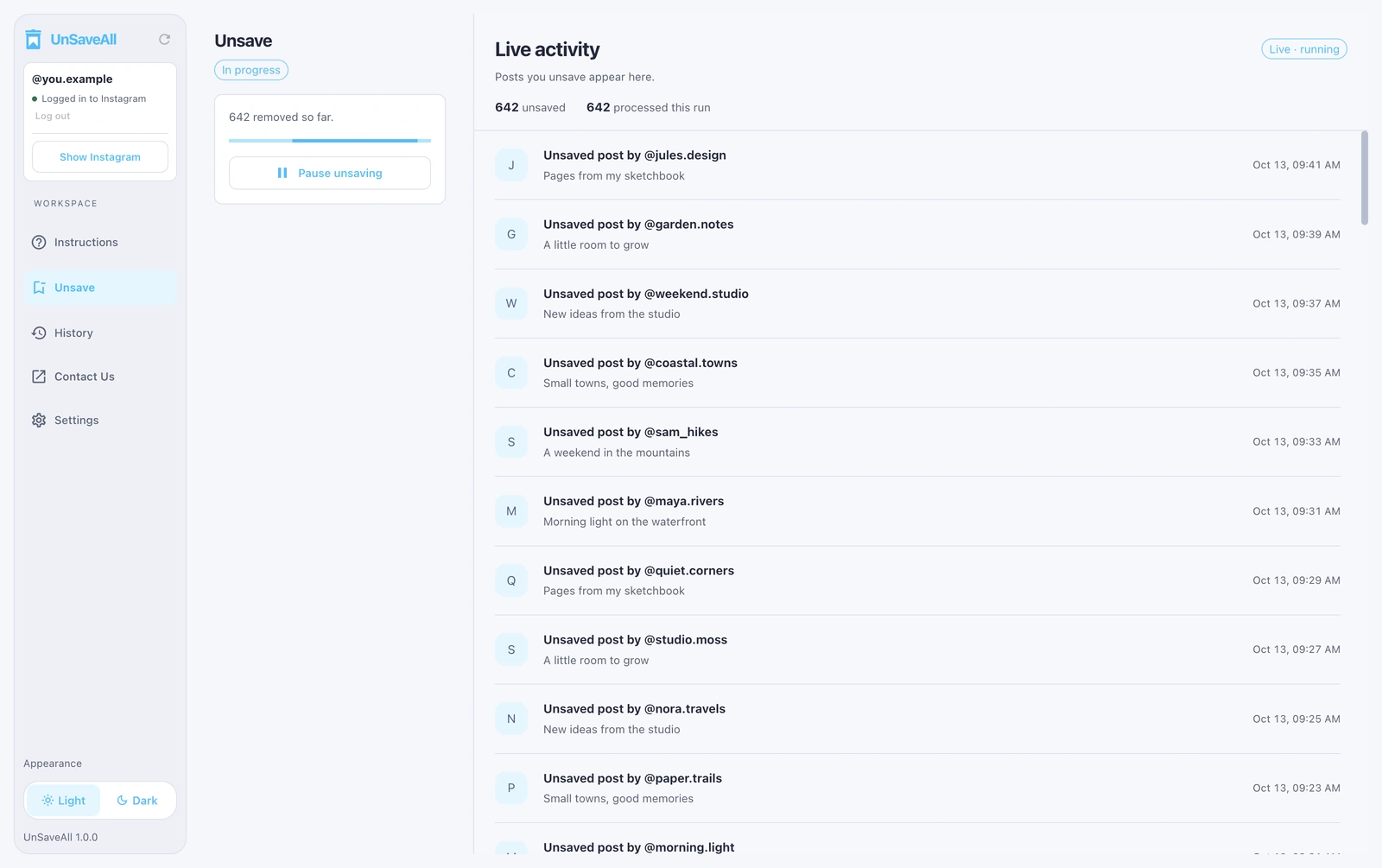
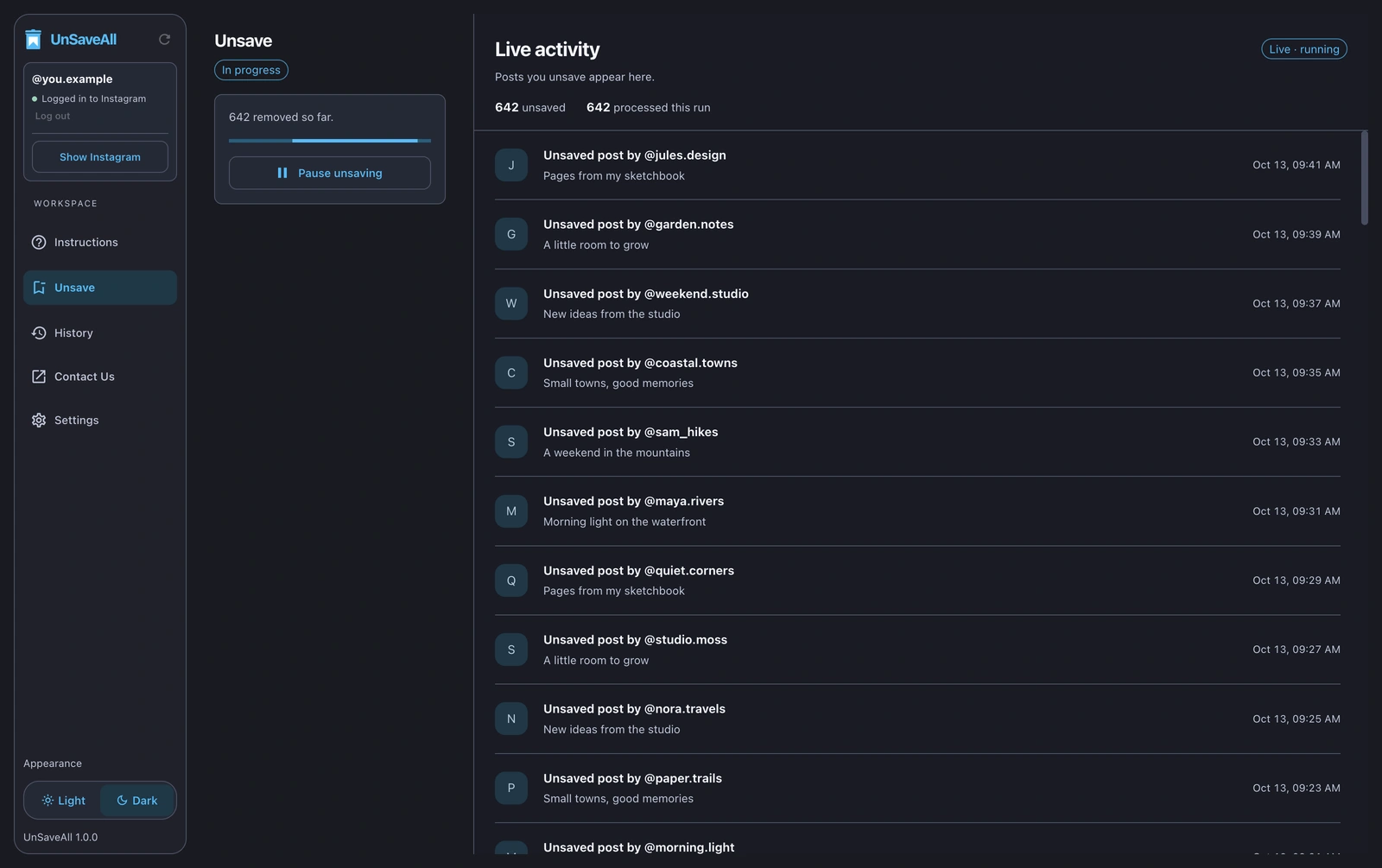
Step 3 Review your activity
Every unsaved post is listed in your activity log, which you can export.
How to delete or remove all saved posts
“Deleting” and “removing” saved posts both mean unsaving them. Instagram doesn’t have a separate delete option for saves. Unsaving takes a post out of your Saved folder and every collection, and the post itself stays on the creator’s profile.
- Delete one saved post: open it and tap the bookmark.
- Delete all saved posts: use UnSaveAll, which unsaves every post and reel at once.
- Delete a collection: open it, tap ⋯, and choose Delete collection. The posts stay saved under All posts.
Nobody is notified when you delete saved posts. See whether people can see what you save.
What happens to your collections
Unsaving a post removes it from All posts and from every collection it was in. The collections themselves stay, now empty, and you can delete them afterwards. See how to delete saved collections.
| You do this | Posts stay saved? | Collection stays? |
|---|---|---|
| Unsave a post | No | Yes, minus that post |
| Delete a collection | Yes, under All posts | No |
| Unsave all with UnSaveAll | No | Yes, empty |
What gets unsaved
- Photo and video posts
- Reels
- Carousels (multi-photo posts)
- Posts inside your collections
Saved audio is kept separately in the Audio section and isn’t affected.
Does anyone know when you unsave?
No. Saving and unsaving are private, and Instagram doesn’t notify anyone. More in can people see your saved posts.
If you can’t unsave a post
- Update Instagram and restart it.
- If the post was deleted or the account went private, it may not open. Try removing it from the collection grid instead.
- Try on instagram.com.
Phone or computer: which should you use?
| iPhone & Android | Mac & Windows | |
|---|---|---|
| Best for | Unsaving from your phone | Very large saved collections |
| Unsave all posts and reels | Yes | Yes |
| Runs in the background | Yes | Yes |
| Activity log with export | Yes | Yes |
The iPhone and Android apps are free to download. UnSaveAll Desktop is $20 a month, and you can cancel anytime.
Other ways to clear your saved posts
| Method | How it works | Downsides |
|---|---|---|
| One at a time in Instagram | Tap the bookmark on each saved post | Slow for more than a few dozen posts |
| Deleting a collection | Removes the folder | The posts stay saved under All posts |
| Browser extensions | Click through instagram.com in Chrome | Need Chrome on a computer, and the tab must stay open |
| UnSaveAll | App for iPhone, Android, Mac, and Windows | Large collections take time, because Instagram limits how fast you can unsave |
Before you start
- Unsaving can’t be undone in bulk. If there are posts you want to keep, copy their links first.
- Big collections take a while. Let it run in the background.
Unsave all your Instagram posts with UnSaveAll
Clear every saved post and reel with one click. On iPhone, Android, Mac, and Windows.


Frequently asked questions
How do I delete all saved posts on Instagram?
Instagram only removes saved posts one at a time. UnSaveAll deletes, or unsaves, all of them at once.
Can you unsave all posts on Instagram at once?
Not inside Instagram, which only lets you unsave one post at a time. UnSaveAll unsaves them all for you.
Does deleting a collection unsave the posts?
No. The posts stay saved under All posts. Unsave them first, then delete the empty collection.
Does UnSaveAll unsave reels too?
Yes. It unsaves everything in your saved posts, including reels and carousels.
Does it remove saved audio?
No. Saved audio is kept separately and isn’t affected.
Does anyone know when I unsave a post?
No. Instagram doesn’t notify anyone when you save or unsave.
Can I get unsaved posts back?
Not in bulk. You can find a post again and save it. Your activity log lists the account and caption of every unsaved post.
Is UnSaveAll free?
UnSaveAll is free to download on iPhone and Android. UnSaveAll Desktop for Mac and Windows is $20 a month.